
Key Takeaways
• My Content Creator Pro (Free Version) provides access to one of the largest built-in content libraries available in a WordPress autoblogging plugin, with over 1,000,000 niche articles ready to import.
• The plugin allows you to browse categories, search by keyword, select articles, and publish them directly to WordPress using a simple workflow.
• You can automate publishing by creating autoblogging campaigns that schedule posts daily, hourly, or on custom intervals.
• Built-in tools allow you to add copyright-free images and relevant YouTube videos, helping make your blog posts more engaging and complete.
• If your niche category is missing, you can request new topics and receive 100 custom articles generated for that niche.
• The system is designed to help niche site builders, affiliate marketers, and bloggers scale content quickly without paying for writers or expensive article packages.
• When used strategically with proper niche selection, internal linking, and monetization, autoblogging can help increase indexed pages, traffic opportunities, and potential revenue.
If you’ve been searching for the best WordPress autoblogging plugin that can help you build a content-rich website fast — without paying monthly fees for writers or buying expensive article packs — this is for you.
In the video above, I show you how to get access to 1 million+ blog articles inside the My Content Creator Pro (Free Version) WordPress plugin. These articles are designed to be evergreen, niche-focused, and structured to support SEO growth over time.
This post will break down exactly what you saw in the demo so you can understand how it works, what you get, and how to use it to build traffic, leads, and sales.
What Makes This the Best WordPress Autoblogging Plugin?
Most “autoblogging” tools either:
- require complicated setup
- pull low-quality scraped content
- rely on RSS feeds you don’t control
- or charge recurring monthly fees
My Content Creator Pro is different because it’s built around ready-to-import niche articles, organized into hundreds of categories, with tools that help you import posts, schedule publishing, and even add media like images and YouTube videos.
Here’s what stands out:
- 1 million+ articles included inside the system
- Free lifetime updates and training
- New articles added regularly
- Simple import workflow (save → import → post)
- Autoblogging campaigns to schedule posting automatically
- Image + video search built in to help posts look complete
If you’re trying to build a niche blog, affiliate site, lead gen site, or content network, this setup gives you a fast foundation.
How to Get Free Access to the Plugin
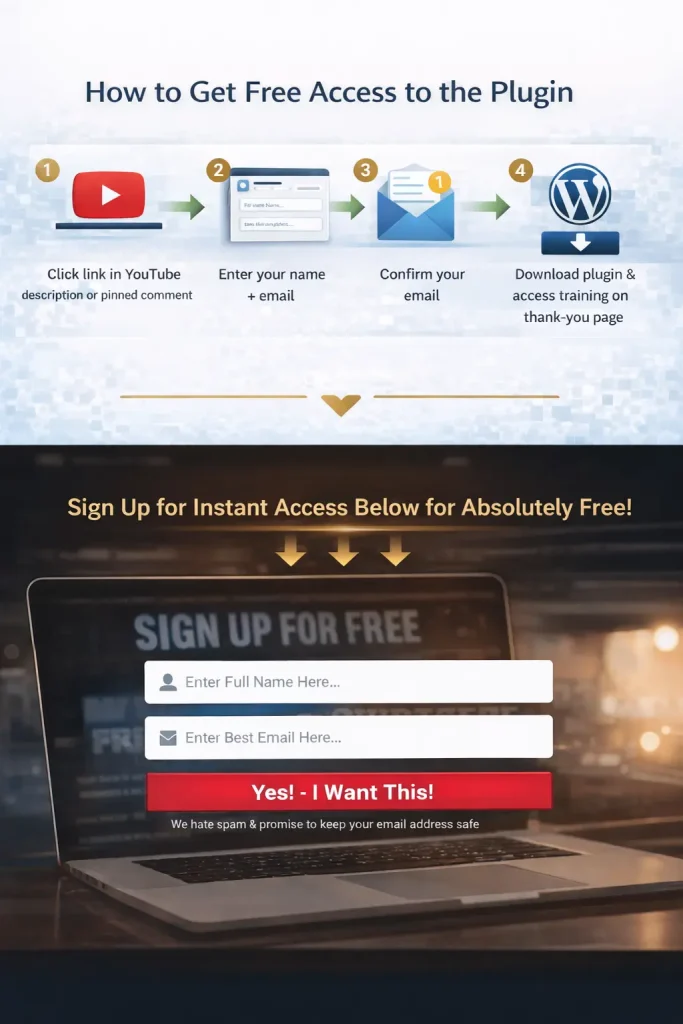
The access flow is simple:
- Click the link in the YouTube description / pinned comment
- Enter your name + email
- Confirm your email
- Download the plugin and access training on the thank-you page
Once installed on your WordPress site, the plugin appears in your dashboard and you can start importing content immediately.
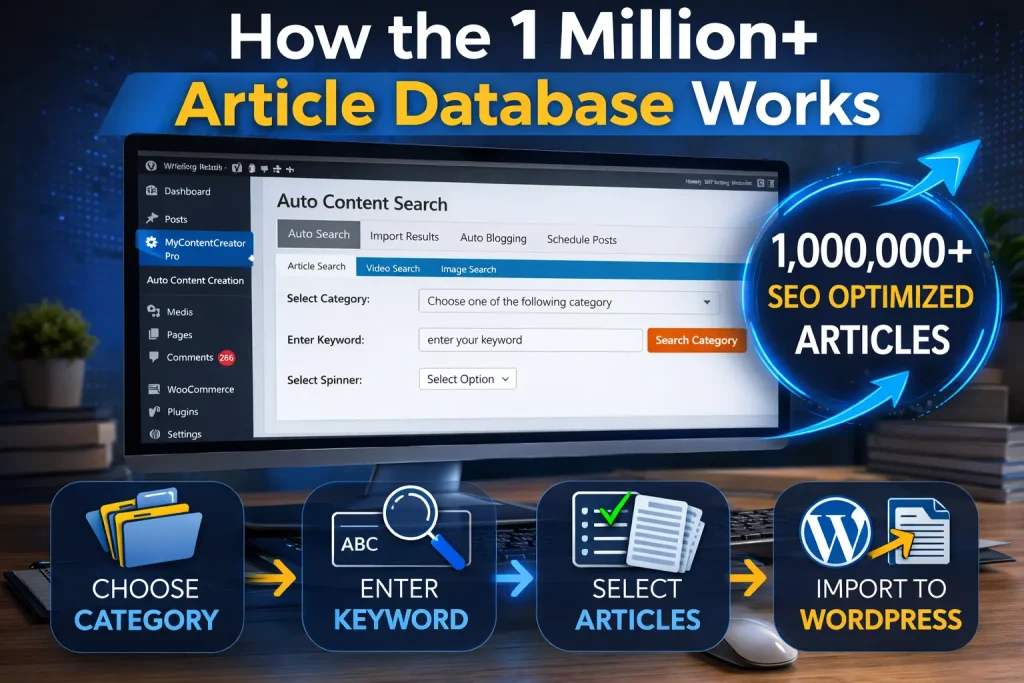
How the 1 Million+ Article Database Works
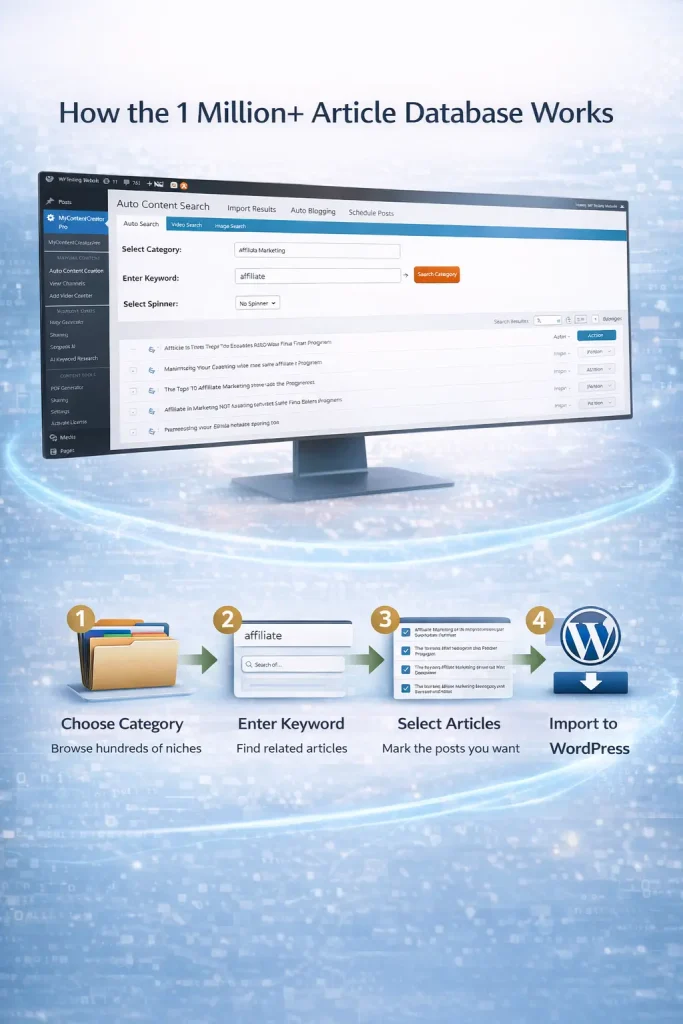
Inside the plugin, the content is organized into categories and searchable by keyword.
That means you can:
- browse a category (example: Affiliate Marketing)
- view multiple pages of article titles
- choose specific posts you want
- save your picks
- then import them as WordPress posts
This is important because it gives you control.
You’re not pushing random content into your site. You’re choosing a niche, choosing articles, and deciding how fast you want to publish them.
How to Import Articles Into WordPress
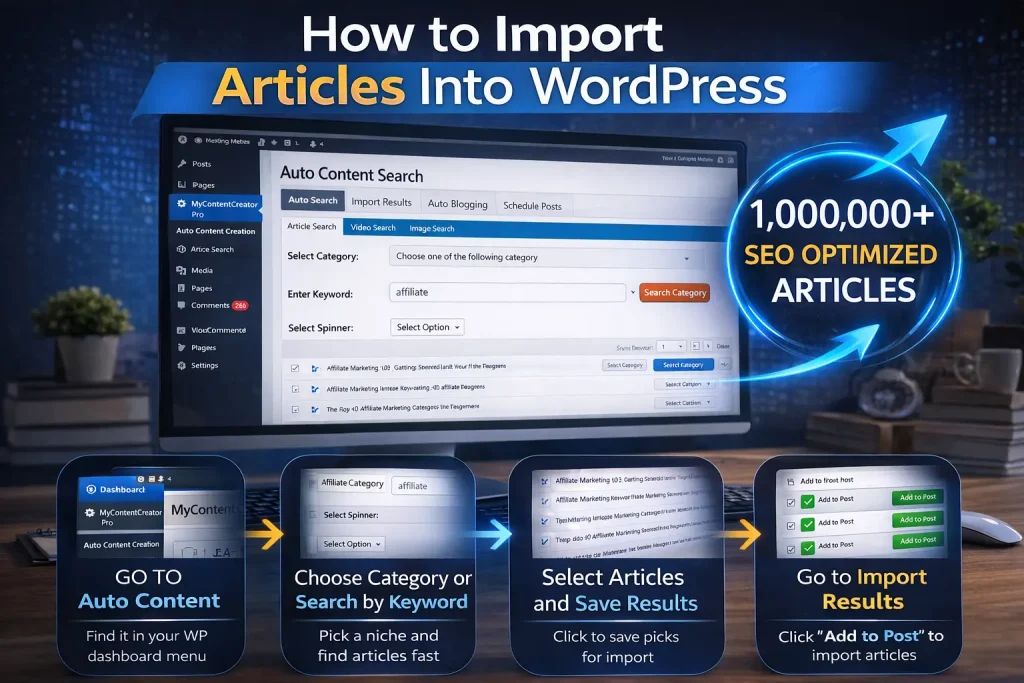
This is the workflow shown in the video:
Step 1: Go to Auto Content Creation
Inside the plugin menu, click Auto Content Creation.
Step 2: Choose a Category or Search by Keyword
You can either:
- click a category (example: Affiliate)
- or enter a keyword (example: affiliate)
Step 3: Select Articles and Save Results
When you see articles you want, click the action button and choose Save Results.
Step 4: Go to Import Results
Click Import Results and you’ll see the articles you saved.
Step 5: Click “Add to Post”
Click Add to Post for each article you want imported.
That’s it.
Your WordPress site now has new posts added — and you can edit them, schedule them, add links, and optimize them.
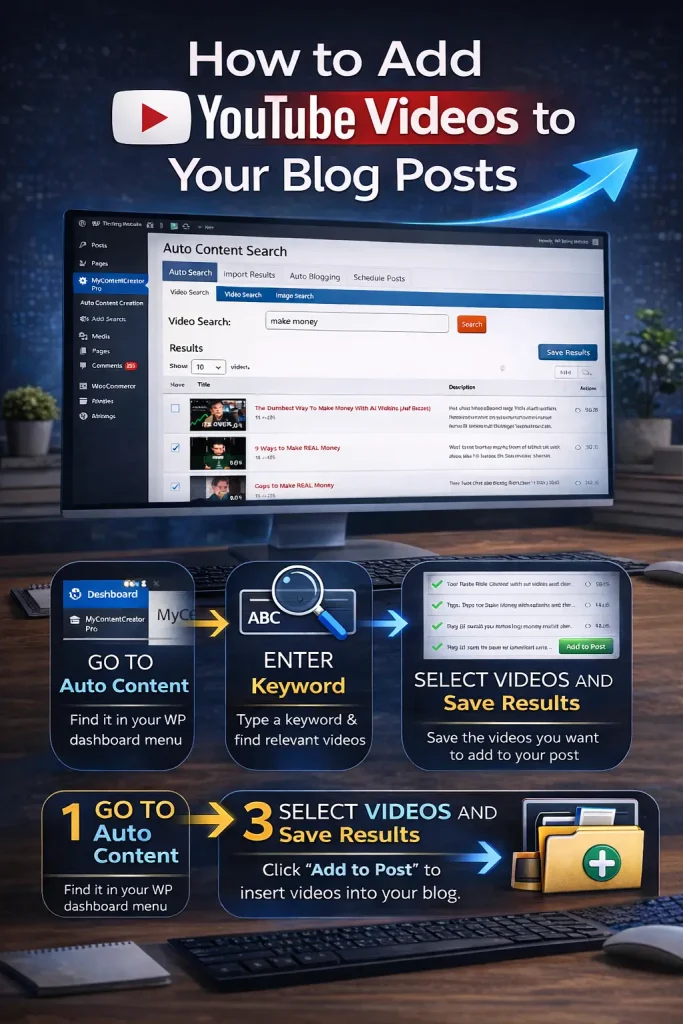
How to Add YouTube Videos to Your Blog Posts
This is one of the most underrated features because it improves:
- user experience
- time on page
- engagement
- topical relevance
Inside the plugin you can use Video Search to pull relevant YouTube videos based on your keyword.
Example shown:
- search “affiliate”
- plugin finds relevant YouTube videos
- you can save them for later use in posts
This makes it easy to match content + media without hunting around manually.
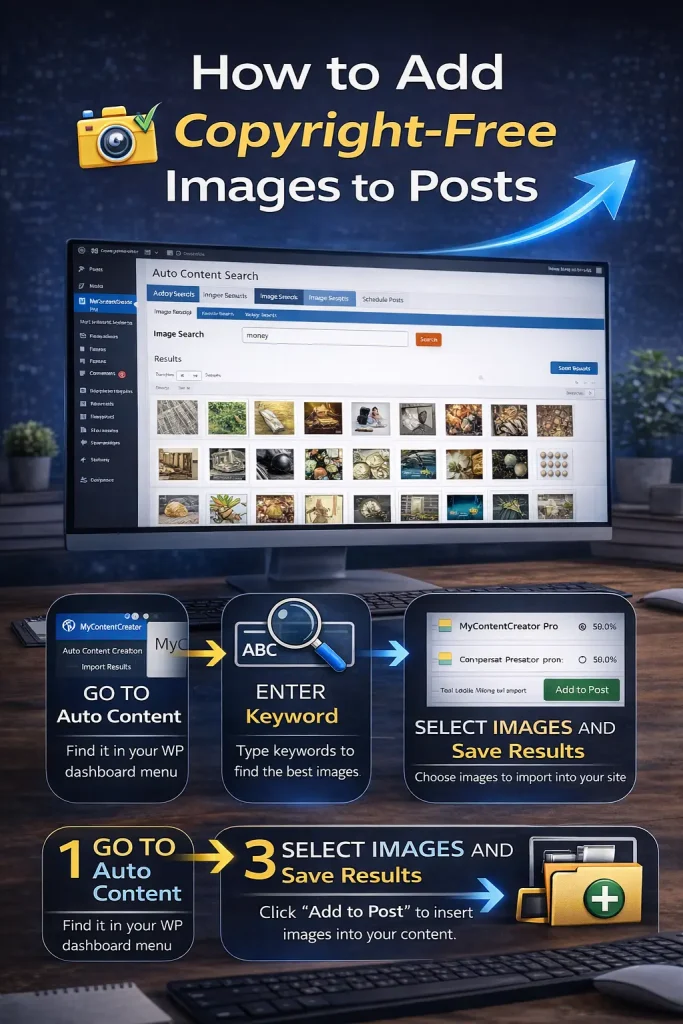
How to Add Copyright-Free Images to Posts
The plugin also includes an Image Search tool powered by Pixabay.
That means you can:
- search images by keyword
- select what you want
- save them into your WordPress media library
This matters because many autoblogging tools ignore visuals, but images help posts look real, readable, and complete.
How to Set Up Autoblogging Campaigns
If you want to automate publishing over time (instead of importing manually), you can create an autoblogging campaign.
In the video, the process looked like this:
- Click Auto Blogging
- Click Add New Campaign
- Give your campaign a title (example: Affiliate)
- Choose your posting frequency (hourly, daily, etc.)
- Set your keywords for:
- article topic
- image search keyword
- video search keyword
- Choose the category you want posts pulled from
- Save the campaign and view it in scheduling
This lets you build a site over time in a controlled way — for example:
- 1 post per day for 100 days
- 2 posts per day for 50 days
- 1 post every 3 days for slower, steady growth
If you want safer pacing for SEO, slower posting schedules are usually smarter than blasting hundreds of posts in a day.
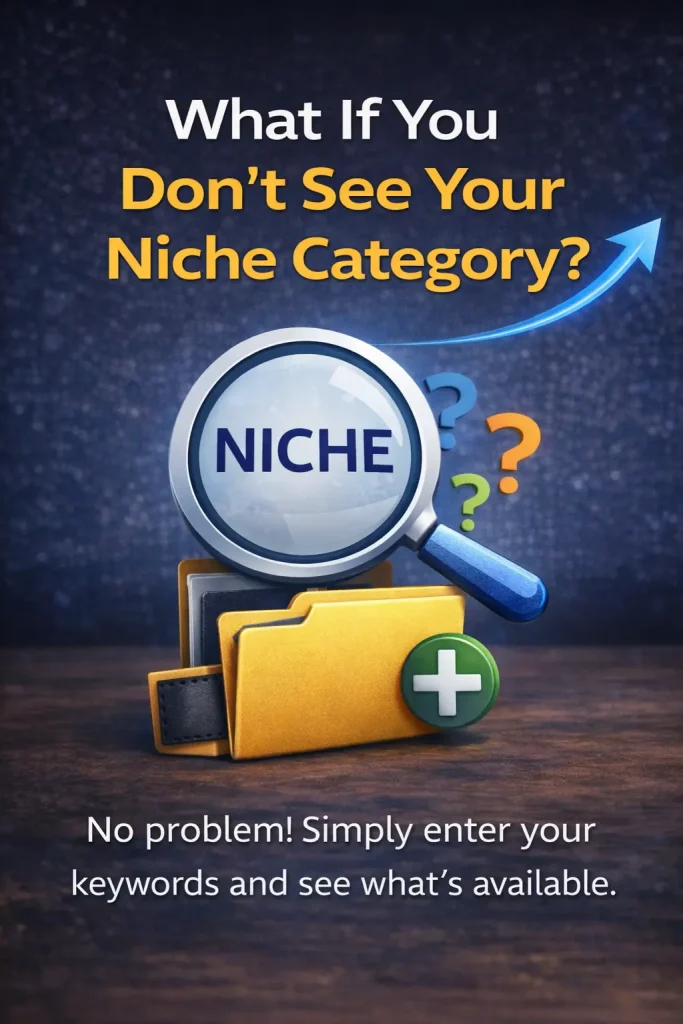
What If You Don’t See Your Niche Category?
This is a big point from the video.
If you don’t see the niche you need inside the content database, you can contact support and request it.
You can request:
- a new category
- or more articles for an existing niche
And the promise you made in the video is powerful:
✅ you’ll generate 100 articles for that niche and add them into the system
That’s a huge competitive advantage because most content tools don’t do this.
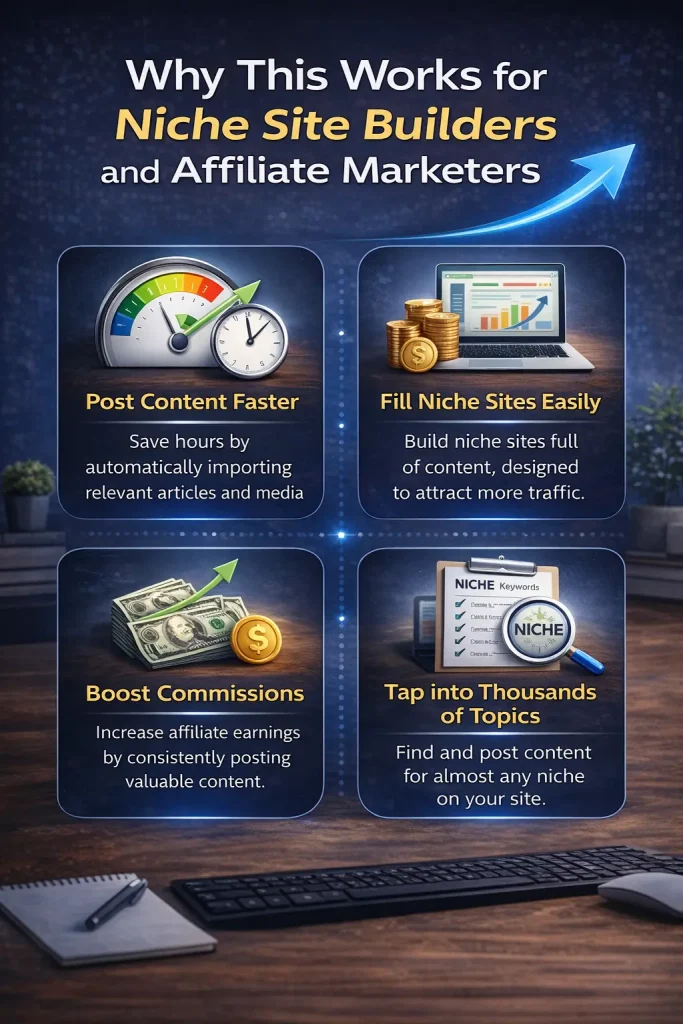
Why This Works for Niche Site Builders and Affiliate Marketers
If you build websites for:
- affiliate commissions
- display ads
- lead generation
- digital products
- local SEO support pages
Then your biggest bottleneck is content.
Autoblogging helps because:
- more content = more indexed keywords
- more indexed keywords = more impressions
- more impressions = more clicks
- more clicks = more chances to monetize
The key is pairing automation with strategy.
That means:
- choose a niche with buyer intent
- publish consistently
- build internal links
- add monetization where it makes sense
Automation speeds up execution — it doesn’t replace smart decision-making.
Frequently Asked Questions
Is this really the best WordPress autoblogging plugin?
It depends on your needs, but if you want a plugin with a massive built-in article database, import tools, scheduling, and image/video support, this is one of the most complete setups available — especially as a free entry point.
Are the 1 million articles included inside the plugin?
You access them through the plugin interface after installation. You can browse categories, select articles, and import them into your WordPress site.
Can I schedule posts automatically?
Yes. You can create campaigns and schedule posts by time interval (daily, hourly, etc.), plus choose media keywords for images and videos.
Can I request a niche category that isn’t included?
Yes. You can contact support and request new categories or additional articles. In the video, you explain that you can generate and add 100 articles.
Can I add YouTube videos automatically?
Yes. The plugin includes a video search tool that pulls relevant YouTube results by keyword so you can attach videos to posts.
Watch the Demo and Get the Free Plugin
If you want to build a niche site faster without buying PLR packs or paying writers…
- Watch the video above
- Grab the free plugin
- Start importing content today
Then once your site is growing, you can upgrade to Elite for the advanced AI + SEO automation features.