

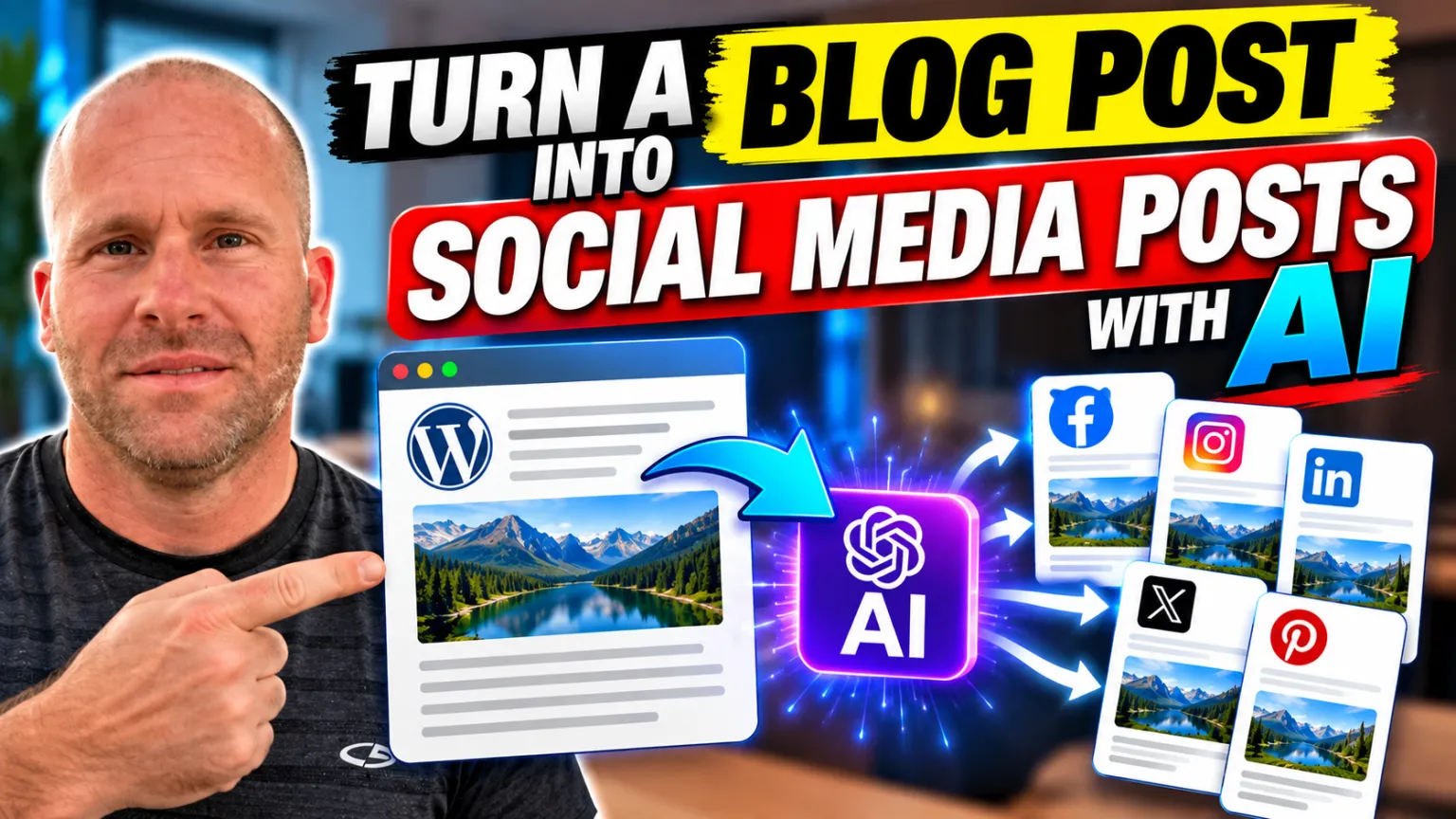
Turn Your WordPress Blog Posts Into Social Media Content With AI
Creating a great WordPress blog post takes time. You research a topic, organize your ideas, write the article, optimize it for search engines, add images, and finally publish it. But once the article is live, why should that be the end of the content creation process?
One of the most useful ways to get more value from your existing content is to turn a WordPress blog post into social media posts with AI.
Instead of manually reading through an article and rewriting it for Facebook, Instagram, LinkedIn, X, Pinterest, and other social platforms, AI can help transform the content you have already created into new social media content.
Even better, with the Social Content Generator inside My Content Creator Pro Elite, this process can be performed directly from your WordPress website.
In the video below, I show you how I take an existing WordPress blog post and use AI to transform that content into social media posts and images.
Why Turn Blog Posts Into Social Media Posts?
A blog article and a social media post may look like two completely different pieces of content, but they can originate from the same idea.
Your WordPress article already contains the information you want to communicate. It may contain tips, statistics, explanations, examples, recommendations, or answers to questions your audience is asking.
That makes an existing blog post an excellent starting point for social media content.
Traditionally, repurposing that article meant manually reviewing it, deciding what information would work on each social platform, rewriting portions of the article, and possibly creating a new image to accompany each post.
When you are publishing content regularly, that can become extremely time-consuming.
AI content repurposing changes the workflow.
Rather than starting with a blank page every time you need something to publish on social media, you can start with the content already available on your website.
Your blog becomes a library of ideas that can be transformed into additional forms of content.
What Is AI Content Repurposing?
AI content repurposing is the process of using artificial intelligence to transform existing content into another format or adapt it for another platform.
For example, a detailed WordPress article might become a shorter Facebook post, an Instagram caption, a professional LinkedIn post, a Pinterest post, or a concise post for X.
The underlying information may remain the same, but the presentation changes according to where the content will be used.
This is an important distinction.
Content repurposing isn’t simply copying an entire blog article and pasting it into every social media account. Different platforms have different audiences, formats, expectations, and styles.
AI gives website owners a faster way to adapt existing material while keeping the central message connected to the original article.
How to Turn a WordPress Blog Post Into Social Media Posts With AI
The workflow I demonstrate in the video is straightforward because the Social Content Generator is integrated into WordPress through My Content Creator Pro Elite.
1. Start With an Existing WordPress Blog Post
The first step is choosing an article that contains information worth sharing with your social audience.
This could be a newly published article or something from your existing content library.
Older evergreen articles can be particularly valuable because they may contain useful information that many of your current social followers have never seen.
This means content repurposing isn’t limited to whatever you published today.
You may already have months or years of WordPress content that can provide ideas for future social posts.
2. Let AI Analyze the Article
Instead of manually extracting ideas from the article, AI can use the existing blog content as the foundation for the social post.
This is one of the major time-saving advantages of the workflow.
You don’t need to start over and explain the subject to an entirely separate tool. The source material is already there.
3. Create Content for the Social Platform
The next step is transforming the article into content appropriate for social media.
A blog article might contain thousands of words, while a social post needs to communicate an interesting idea much more quickly.
AI can help identify useful information from the original content and transform it into a shorter format that can be used to attract attention and encourage engagement.
4. Generate Social Media Images
Social media is highly visual, which means the written post is only part of the equation.
Creating an image separately can add another step to the workflow. That’s why having AI image capabilities alongside the social content generator can be particularly useful.
You can create the written social content and generate imagery to accompany it without turning a simple content-repurposing task into a lengthy design project.
5. Review the Content Before Publishing
AI can dramatically speed up content creation, but human review remains important.
Read the generated post, make sure it accurately represents your original article, check names or facts where necessary, and adjust the wording to fit your brand’s voice.
The objective isn’t to eliminate human involvement. The objective is to eliminate repetitive work so you can spend more time on strategy, creativity, and communication.
Repurpose One Blog Post Across Multiple Social Networks
Another advantage of this strategy is that one WordPress article can potentially provide content for several social networks.
Instead of thinking:
“I need to create a blog article and then come up with completely separate ideas for all of my social media accounts.”
You can think:
“I’ve created one valuable piece of content. How many useful ways can I distribute and repurpose it?”
That is a very different content strategy.
A single article might inspire a Facebook post, an Instagram post, a LinkedIn update, an X post, Pinterest content, and additional variations that can be published later.
You are getting more mileage from work you have already completed.
Turn WordPress Blog Posts Into Facebook Content
Facebook can work well for taking one useful idea from a longer article and presenting it in a conversational format.
Instead of trying to fit the entire article into a Facebook post, AI can help extract an interesting point and create a shorter piece of content around it.
The social post can then encourage interested readers to learn more from the complete article on your website.
This creates a connection between your WordPress content and your social media presence rather than treating them as two unrelated marketing activities.
Repurpose Blog Content for Instagram
Instagram places a particularly strong emphasis on visual content, but captions can still provide valuable context.
An existing article can provide the ideas behind both the caption and accompanying image.
Educational tips, lists, quick explanations, interesting facts, and concise takeaways from a larger article can all potentially become Instagram content.
Instead of wondering what to post, your existing website becomes the source of ideas.
Create LinkedIn Posts From WordPress Articles
For businesses, professionals, marketers, and entrepreneurs, LinkedIn provides another opportunity to repurpose existing expertise.
A detailed blog article may contain several insights that can each become their own LinkedIn post.
That means a single article doesn’t necessarily equal one social post.
Depending on the depth of the original article, it may contain multiple concepts that can be repurposed independently over time.
Use Blog Content for Pinterest
Pinterest is another platform where the relationship between website content and social content can be especially useful.
Bloggers frequently use Pinterest to help people discover articles, tutorials, ideas, and other website content.
Creating visual content based on your WordPress articles gives you another opportunity to introduce people to information already available on your site.
This is also where AI-generated images and infographics can complement a broader content-repurposing strategy.
Your Blog Can Become the Center of Your Content Strategy
One of the reasons I like this workflow is that it changes how you think about blogging.
A blog post is no longer just something you publish for Google and then forget about.
It becomes a source asset.
From that one source asset, you can potentially create social media posts, social images, infographics, PDFs, email ideas, additional articles, and other content.
This is particularly valuable for small businesses and individual website owners who don’t have a large marketing team.
You don’t necessarily need more ideas.
You may simply need to make better use of the ideas and content you’ve already created.
Why AI Makes Content Repurposing More Practical
Content repurposing isn’t a new marketing strategy. Businesses and marketers have been transforming long-form content into shorter formats for years.
The problem has always been time.
If it takes an hour to manually transform every article into multiple social posts, the strategy becomes difficult to maintain consistently.
AI changes the economics of the workflow by reducing the amount of repetitive writing involved.
The original article still provides the substance. AI helps with transformation and presentation.
That makes it much more practical to incorporate content repurposing into a regular WordPress publishing workflow.
AI Social Media Content Generator for WordPress
The workflow demonstrated in my video is powered by the Social Content Generator included with My Content Creator Pro Elite.
One of the things I wanted from the system was the ability to work with content directly from WordPress instead of constantly jumping between unrelated services.
Social content creation is only one part of that larger workflow.
My Content Creator Pro Elite includes tools for AI-powered WordPress autoblogging, individual and bulk AI article creation, SEO and GEO analysis, AI images, social content generation, infographics, article rewriting, internal linking, content research, and other WordPress content-creation tasks.
The goal is to make WordPress itself a much more powerful content-creation environment.
Combine Social Media Content With AI Infographics
Social posts aren’t the only way to repurpose a WordPress article.
You can also transform information from your articles into visual content.
For example, I recently demonstrated how to create an infographic with AI directly inside WordPress.
This creates another interesting workflow:
WordPress article → social media posts → social images → infographic → additional distribution.
Instead of continually creating new source material, you’re creating multiple useful assets from the same core information.
For businesses publishing content regularly, this can significantly expand the amount of content produced from each original article.
Content Repurposing Can Complement Your SEO Strategy
Social media activity and SEO are different marketing channels, and simply posting something on social media doesn’t automatically make a webpage rank higher in Google.
However, a strong content-repurposing strategy can still complement SEO.
Social content can expose more people to your articles, bring additional visitors to your website, increase awareness of your brand, and help you continue promoting evergreen content long after its original publication date.
Meanwhile, the original WordPress article remains available for search engines to discover and rank.
You’re creating multiple ways for people to encounter the same useful information.
Who Can Benefit From an AI Social Media Generator?
This type of workflow can be useful for almost anyone who regularly publishes WordPress content.
Bloggers can repurpose educational articles. Affiliate marketers can turn guides and comparisons into shorter social content. Small businesses can reuse informational articles across their social accounts. Agencies can streamline content creation for multiple websites. Ecommerce businesses can transform product-related articles and guides into social posts.
Even websites with large archives of older content can benefit.
If you have hundreds of existing WordPress posts, you potentially have hundreds of starting points for future social media content.
Don’t Let Good Blog Posts Disappear Into Your Archive
This may be the biggest lesson from the entire strategy.
Too many website owners publish an article, promote it briefly, and then move on to the next article.
Over time, hundreds of useful posts accumulate in the WordPress archive.
AI gives us an opportunity to go back through that library and find new ways to use those assets.
An article you published six months ago might still contain excellent information. Your current Facebook followers may never have seen it. Your LinkedIn audience may not know it exists. You may never have created an image or Pinterest post for it.
Instead of allowing that content to sit unused, you can give it another life.
Build a Repeatable WordPress Content Repurposing Workflow
The real power of this strategy comes from making it repeatable.
Imagine publishing a new WordPress article and then using that article as the foundation for your next several pieces of social content.
Your workflow could look something like this:
- Publish a useful WordPress article.
- Optimize the article for search engines.
- Use AI to create social media posts from the article.
- Create accompanying social media images.
- Turn key information into an infographic when appropriate.
- Share the content across the platforms where your audience spends time.
- Continue promoting evergreen articles over time.
Now every article has the potential to become the beginning of a content campaign instead of the end of one.
Get More Value From Every WordPress Article You Create
If you’re already spending time creating useful WordPress content, it makes sense to get as much value from that content as possible.
Using AI to turn WordPress blog posts into social media posts can help you create more content without constantly starting from zero.
Your existing articles provide the ideas and information. AI helps transform those ideas into formats that can be used elsewhere.
That’s exactly what I demonstrate in the video above using the Social Content Generator inside My Content Creator Pro Elite.
And when you combine social content generation with AI article creation, autoblogging, SEO and GEO optimization, AI images, infographics, rewriting, internal linking, and the other tools available inside Elite, you can build a much more complete WordPress content workflow.
Frequently Asked Questions
Can AI turn a blog post into social media posts?
Yes. AI can analyze the information in an existing blog article and use it as the foundation for shorter social media content. With a WordPress-integrated tool such as the Social Content Generator in My Content Creator Pro Elite, this workflow can be performed directly from your WordPress website.
Can I repurpose old WordPress posts with AI?
Yes. Content repurposing isn’t limited to newly published articles. Older evergreen WordPress posts can provide excellent source material for new social media posts, images, infographics, and other content.
Can I create social media images with AI?
Yes. AI image generation can be used alongside AI-written social content to create visual assets for your posts. This can reduce the amount of time required to move between separate writing and design tools.
Should every social media platform use the exact same post?
Not necessarily. Different platforms have different audiences and content styles. The central idea can come from the same WordPress article, but adapting the presentation for each platform can make the content more appropriate for that audience.
Can AI content repurposing save time?
That is one of its biggest advantages. Instead of manually starting from scratch for every social post, you can use an existing article as the source material and let AI assist with transforming it into additional content.
What WordPress plugin can turn blog posts into social media content?
My Content Creator Pro Elite includes a Social Content Generator that can use your WordPress content to help create social media posts and images directly from your website. You can learn more at MyContentCreatorPro.com.
Start Turning Your WordPress Content Into More Content
Your WordPress blog already contains ideas, expertise, research, and information that can be used far beyond a single webpage.
Instead of continually asking what you should create next, start asking what else you can create from what you already have.
That’s the real opportunity behind AI-powered content repurposing.
One WordPress blog post can become multiple social posts, visual content, an infographic, and additional marketing assets—all while keeping your original article at the center of the strategy.
If you’d like to see how I do it, watch the video above and explore the Social Content Generator and the other AI-powered WordPress tools available in My Content Creator Pro Elite.