
Key Takeaways
• ChatGPT-powered article rewriters can transform existing content into fresh SEO-optimized articles.
• AI rewriting tools improve structure, readability, and search engine optimization automatically.
• WordPress plugins like My Content Creator Pro can rewrite articles directly inside your website dashboard.
• Features such as H tags, FAQs, and conclusions help articles rank better in search engines.
• AI rewriting tools can dramatically speed up content production for bloggers and marketers.
Best ChatGPT Article Rewriter for WordPress Websites
Creating high-quality blog content consistently can be challenging for many WordPress website owners. Writing articles, optimizing them for SEO, and making sure they rank in Google requires a significant investment of time.
Fortunately, AI technology has made it possible to automate much of this process.
A ChatGPT article rewriter for WordPress allows you to quickly transform existing content into fresh, optimized articles designed to perform better in search engines.
This type of tool can help bloggers, affiliate marketers, and website owners generate high-quality content much faster.

What Is a ChatGPT Article Rewriter?
A ChatGPT article rewriter is an AI-powered tool that takes existing content and rewrites it into a new, unique version.
Unlike traditional article spinners that simply replace words with synonyms, modern AI rewriting tools can:
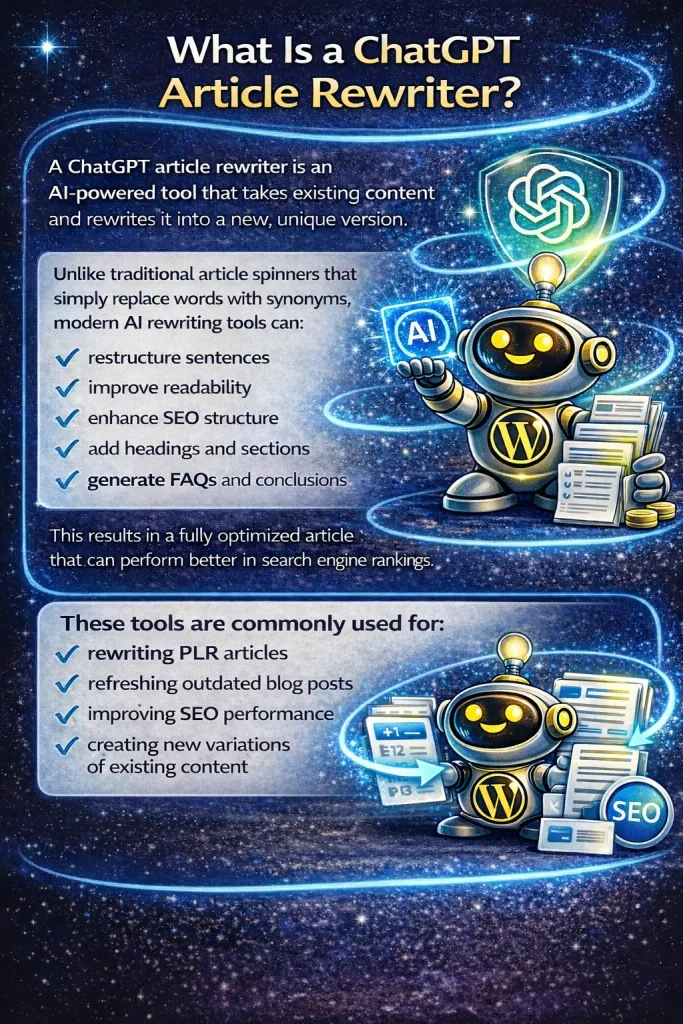
• restructure sentences
• improve readability
• enhance SEO structure
• add headings and sections
• generate FAQs and conclusions
This results in a fully optimized article that can perform better in search engine rankings.
These tools are commonly used for:
• rewriting PLR articles
• refreshing outdated blog posts
• improving SEO optimization
• creating new variations of existing content
Introducing My Content Creator Pro
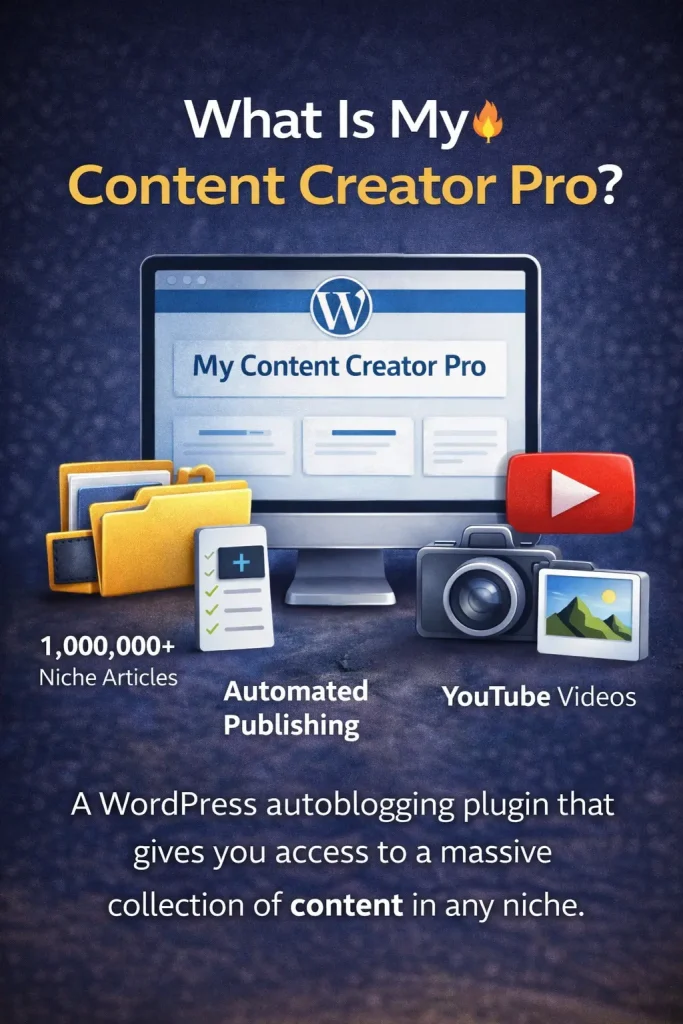
One of the most powerful solutions available today is the My Content Creator Pro WordPress plugin.
This plugin includes a ChatGPT-powered article rewriting system designed specifically for WordPress websites.
Unlike many standalone rewriting tools, this plugin works directly inside your WordPress dashboard.
It can:
• rewrite articles instantly
• optimize content for search engines
• generate structured headings
• add FAQ sections automatically
• create a conclusion for the article
This allows website owners to produce high-quality SEO content quickly.
How the WordPress Article Rewriter Works
Using the plugin is simple and requires only a few steps.
Step 1: Install the Plugin
After installing My Content Creator Pro, the tool appears inside your WordPress dashboard.
You can access the article rewriting feature through the plugin menu.
Step 2: Open the Chat Article Spin Rewriter
Inside the plugin dashboard, navigate to the Chat Article Spin Rewriter tool.
This is where the AI rewriting engine processes your content.
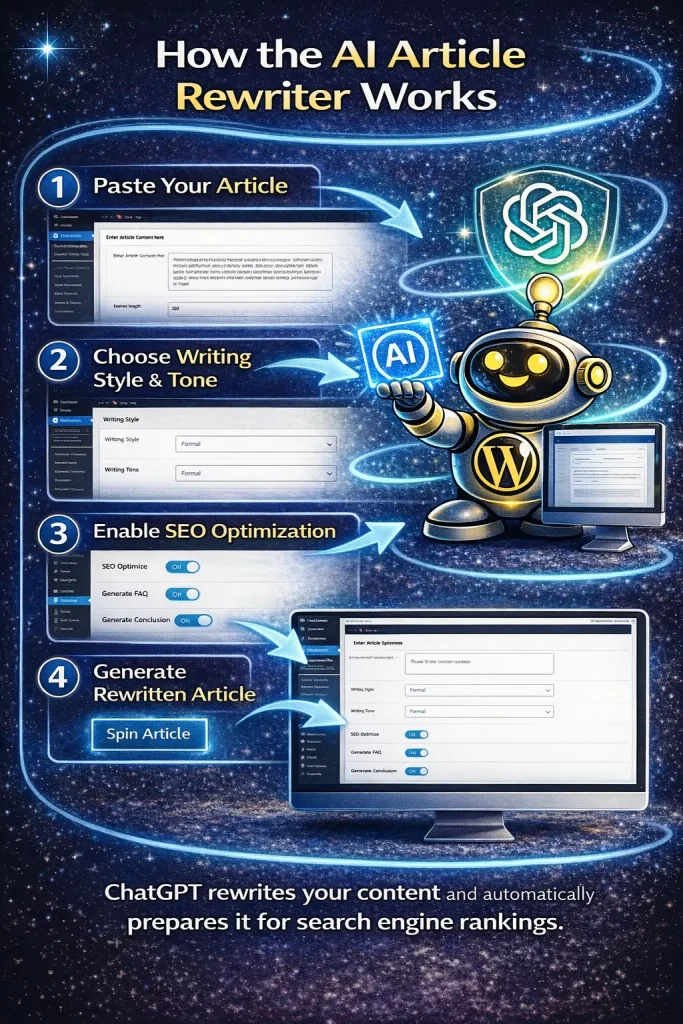
Step 3: Paste Your Article
Next, paste the article you want to rewrite into the editor.
This could include:
• PLR articles
• existing blog posts
• website drafts
• content from other sources
The AI will analyze the article before rewriting it.
Step 4: Choose Article Settings
Before generating the rewritten article, you can customize the settings.
These include:
Language
Example: English
Writing Style
Example: Professional
Writing Tone
Example: Instructional
You can also select the article length.
For example:
• 300 words
• 1,000 words
• 2,000 words
Longer articles often perform better in search engines because they provide more detailed information.
Built-In SEO Optimization Features
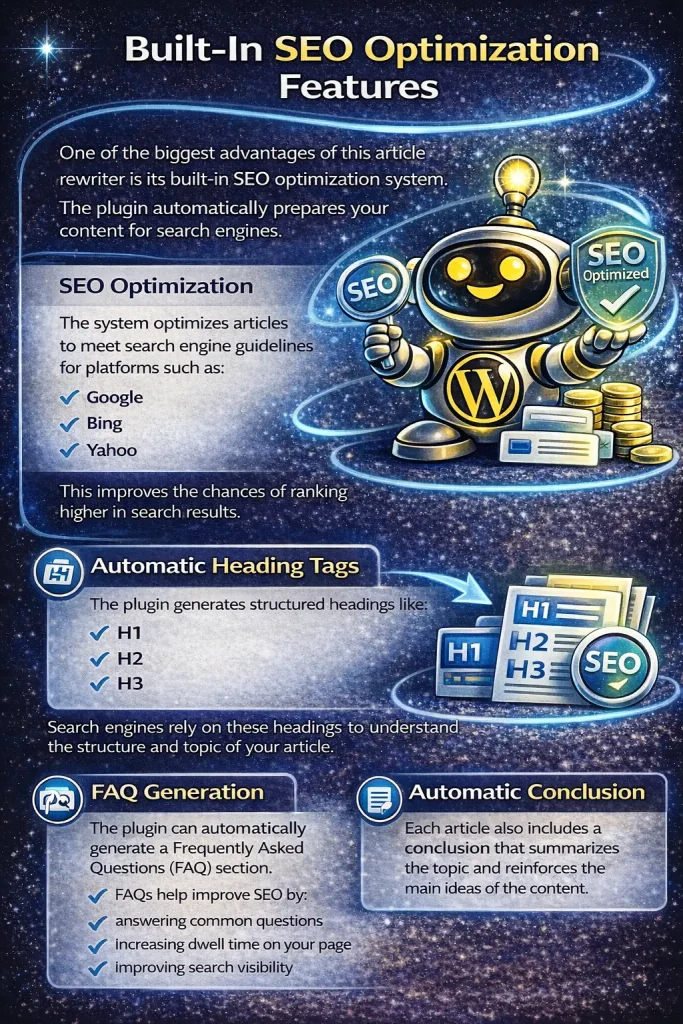
One of the biggest advantages of this article rewriter is its built-in SEO optimization system.
The plugin automatically prepares your content for search engines.
SEO Optimization
The system optimizes articles to meet search engine guidelines for platforms such as:
• Google
• Bing
• Yahoo
This improves the chances of ranking higher in search results.
Automatic Heading Tags
The plugin generates structured headings like:
• H1
• H2
• H3
Search engines rely on these headings to understand the structure and topic of your article.
FAQ Generation
The plugin can automatically generate a Frequently Asked Questions (FAQ) section.
FAQs help improve SEO by:
• answering common questions
• increasing dwell time on your page
• improving search visibility
Automatic Conclusion
Each article also includes a conclusion that summarizes the topic and reinforces the main ideas of the content.
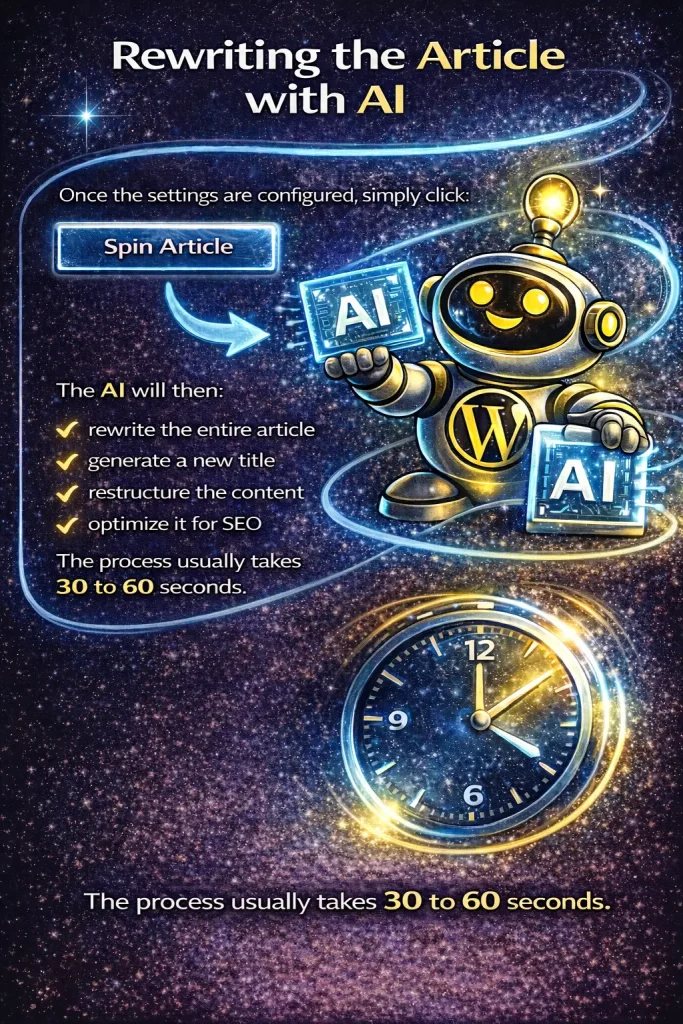
Rewriting the Article with AI
Once the settings are configured, simply click:
Spin Article
The AI will then:
• rewrite the entire article
• generate a new title
• restructure the content
• optimize it for SEO
The process usually takes 30 to 60 seconds.
Publishing the Article to WordPress
After the article is generated, you can publish it directly to your website.
You can also choose to:
• save the article as a draft
• assign a category
• generate tags
• edit the content further
Saving the article as a draft allows you to review it before publishing.
What the Finished Article Includes
Once the rewriting process is complete, the final article typically includes:
• a new SEO-optimized title
• structured headings
• rewritten content
• a FAQ section
• a conclusion
• SEO tags
This structure helps search engines understand the article and improves ranking potential.
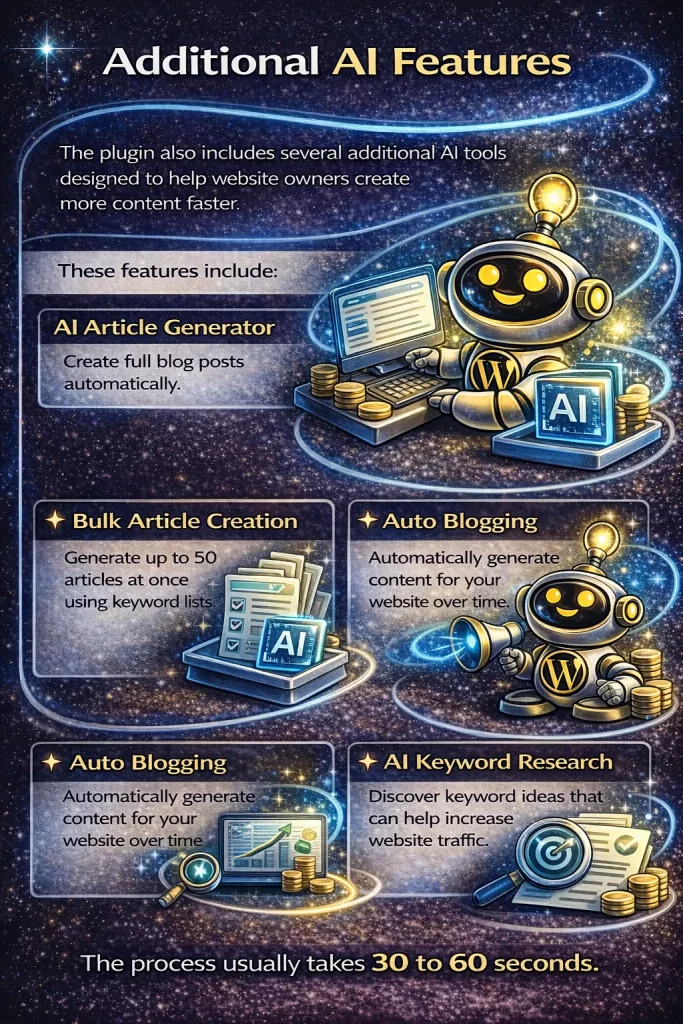
Additional AI Features
The plugin also includes several additional AI tools designed to help website owners create more content faster.
These features include:
AI Article Generator
Create full blog posts automatically.
Bulk Article Creation
Generate up to 50 articles at once using keyword lists.
Auto Blogging
Automatically generate content for your website over time.
AI Keyword Research
Discover keyword ideas that can help increase website traffic.
Why AI Article Rewriting Is So Powerful
AI rewriting tools can dramatically improve your blogging workflow.
Instead of spending hours rewriting articles manually, the system can produce optimized content in minutes.
Benefits include:
• faster content production
• improved SEO structure
• easier content updates
• better keyword targeting
• increased search engine rankings
For websites focused on SEO traffic growth, this can be a major advantage.
Frequently Asked Questions
What is a ChatGPT article rewriter for WordPress?
A ChatGPT article rewriter for WordPress is an AI-powered tool that rewrites existing articles inside your WordPress dashboard. It can improve readability, restructure content, and optimize articles for search engines without requiring you to rewrite everything manually.
How is this different from a normal article spinner?
A normal article spinner usually replaces words with synonyms and often creates low-quality content. A ChatGPT article rewriter is more advanced because it can rewrite sentences naturally, improve structure, add FAQs, create conclusions, and make the article more SEO-friendly.
Can I rewrite PLR articles with this plugin?
Yes. You can paste PLR articles, old blog posts, or other existing content into the rewriter and have the system generate a fresh rewritten version that is better optimized for search engines.
Does the plugin optimize rewritten articles for SEO?
Yes. The plugin is designed to rewrite articles in a way that improves SEO structure for search engines like Google, Bing, and Yahoo. It can also generate heading tags, FAQs, conclusions, and tags to make the article more search-friendly.
Can I choose the writing style and tone?
Yes. You can choose different writing styles and tones before generating the rewritten article. For example, you can select a professional writing style and an instructional tone depending on the type of content you want.
Can I publish the rewritten article directly to WordPress?
Yes. After the article is rewritten, you can either copy it, download it, save it as a draft, or publish it directly to your WordPress website.
What does the finished rewritten article include?
The finished article can include a new SEO-optimized title, rewritten article content, generated heading tags, a FAQ section, a conclusion, and tags. This helps create a more complete article for both readers and search engines.
What is the difference between the free version and the Elite version of My Content Creator Pro?
The free version gives users access to built-in content tools and a large article database. The Elite version includes everything in the free version plus additional advanced AI features, including the ChatGPT-powered article rewriter, more automation tools, and 1,000,000+ done-for-you niche articles you can use on your WordPress website.
Is this good for affiliate marketers and bloggers?
Yes. This tool is especially useful for affiliate marketers, bloggers, and niche site builders who want to refresh content, improve SEO, and create optimized articles faster without spending hours rewriting content manually.
Can rewritten articles help improve rankings?
Rewritten articles can help improve rankings when they are structured well, optimized for relevant keywords, and provide useful information for readers. The plugin helps improve these elements, which can support better search engine visibility.
Final Thoughts
If you’re searching for the best ChatGPT article rewriter for WordPress websites, tools like My Content Creator Pro offer powerful automation and SEO optimization.
With AI-powered rewriting, structured content generation, and automated SEO improvements, you can produce high-quality articles much faster.
This allows website owners to focus more on growing traffic, building authority, and scaling their online businesses.