
Key Takeaways
• You can generate dozens of SEO blog posts at once using ChatGPT inside WordPress.
• Bulk content generation allows you to create up to 50 articles at a time.
• Articles can automatically include SEO optimization, tags, FAQs, and conclusions.
• Publishing posts as drafts first allows you to review and edit content before going live.
• Bulk article creation dramatically speeds up content production for blogs and niche sites.
Creating blog content consistently is one of the biggest challenges for website owners.
Writing high-quality articles manually can take hours, especially when you’re trying to publish multiple posts per week.
Fortunately, modern AI tools make this process much faster.

In this tutorial, you’ll learn how to generate SEO-optimized bulk blog posts in WordPress using ChatGPT. The system shown in the demo allows you to create multiple articles automatically using a simple list of keywords.
Instead of writing articles one at a time, you can generate dozens of posts in minutes.
What Is Bulk Blog Post Generation?
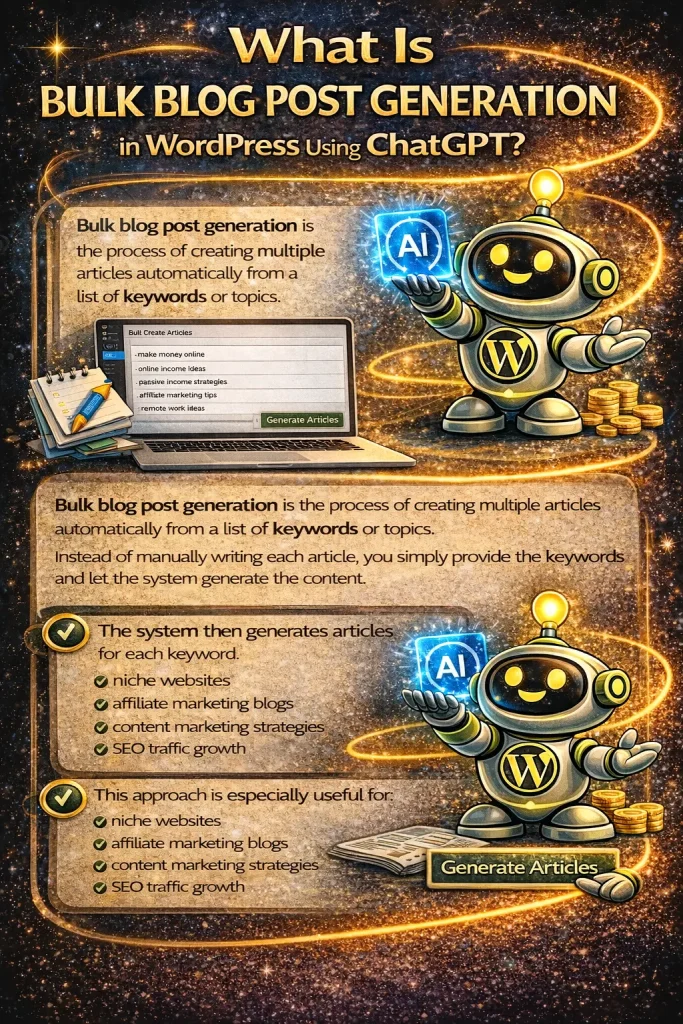
Bulk blog post generation is the process of creating multiple articles automatically from a list of keywords or topics.
Instead of manually writing each article, you simply provide the keywords and let the system generate the content.
For example, you might create a keyword list such as:
• make money online
• online income ideas
• passive income strategies
• affiliate marketing tips
• remote work ideas
The system then generates articles for each keyword.
This approach is especially useful for:
• niche websites
• affiliate marketing blogs
• content marketing strategies
• SEO traffic growth
Step 1: Add Your Keywords
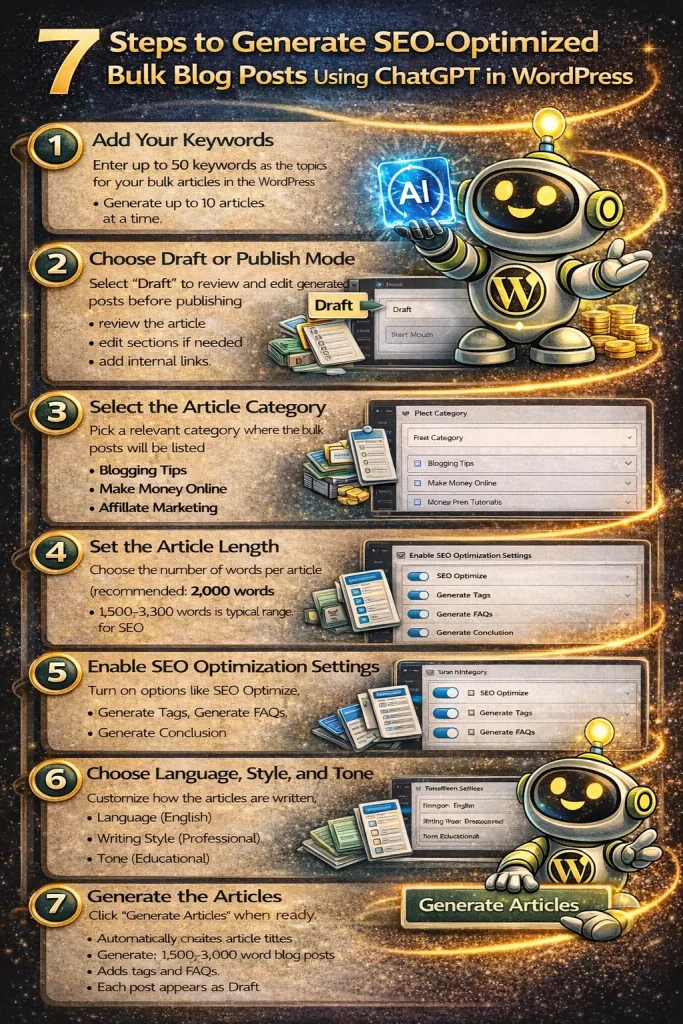
The first step is entering the keywords you want the articles to be written about.
In the demo, a list of 50 keywords related to making money online was added.
The plugin allows you to generate:
• 10 articles at a time (recommended)
• up to 50 articles maximum in one bulk request
Each keyword becomes the topic of a new blog post.
Step 2: Choose Draft or Publish Mode
Before generating articles, you can choose how the posts will be published.
The recommended setting is:
Draft Mode
Publishing as drafts allows you to:
• review the article
• edit sections if needed
• add internal links
• insert affiliate links
Once you’re satisfied with the content, you can publish the post.
Step 3: Select the Article Category
Next, choose the WordPress category where the posts will appear.
Categories help organize your content and improve website structure.
For example:
• Blogging Tips
• Make Money Online
• Affiliate Marketing
• WordPress Tutorials
Proper category structure also helps search engines better understand your site.
Step 4: Set the Article Length
The plugin allows you to choose the length of each article.
In the demo, the articles were set to:
2,000 words
Longer articles tend to perform better in search engines because they provide more detailed information.
Typical SEO blog post lengths include:
• 1,500 words for shorter content
• 2,000–3,000 words for deeper SEO content
Step 5: Choose Language, Style, and Tone
The system also allows you to customize how the content is written.
In the demo, the following settings were selected:
Language: English
Writing Style: Professional
Tone: Educational
These settings are ideal for:
• tutorials
• informational blog posts
• SEO articles
• WordPress guides
Step 6: Enable SEO Optimization Settings
One of the most powerful parts of the system is the built-in SEO settings.
The demo enabled the following options:
SEO Optimize
This ensures the article structure follows best SEO practices for search engines like Google, Bing, and Yahoo.
Generate Tags
Tags help search engines understand the topic of your article and improve internal organization within WordPress.
Generate FAQs
FAQs answer common reader questions and can improve search visibility.
Generate Conclusion
A conclusion wraps up the article and reinforces the main topic.
Step 7: Generate the Articles
Once everything is configured, simply click:
Generate Articles
The system will automatically:
• create article titles
• generate the full blog content
• add tags
• include FAQs
• add a conclusion
Each article typically takes 30 seconds to 1 minute to generate.
The posts then appear inside your WordPress dashboard.
What the Finished Article Looks Like
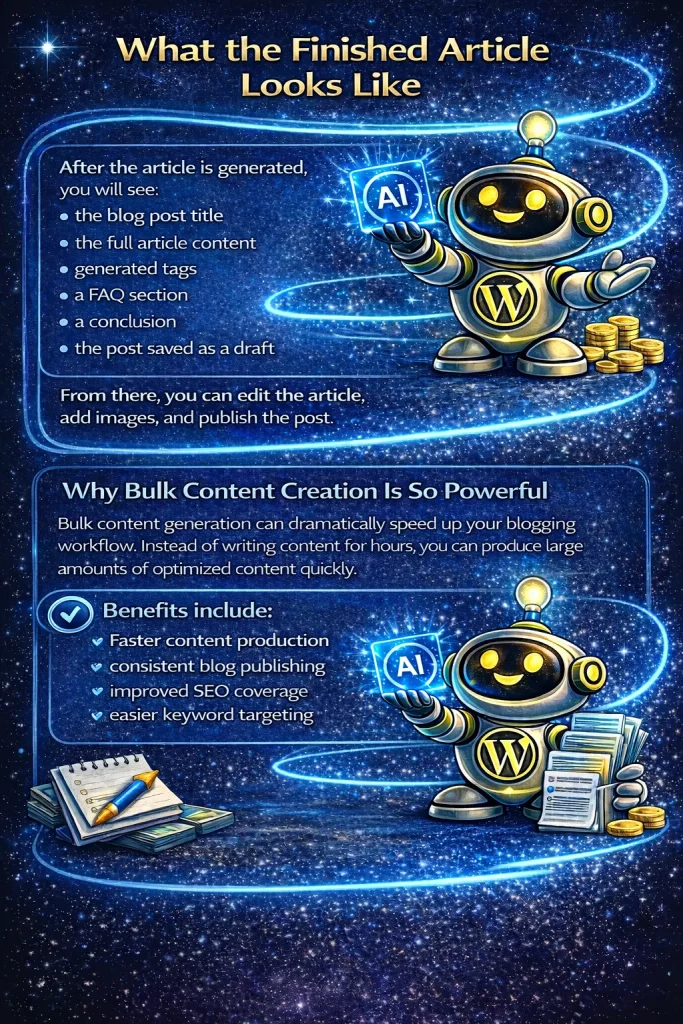
After the article is generated, you will see:
• the blog post title
• the full article content
• generated tags
• a FAQ section
• a conclusion
• draft publishing status
From there, you can edit the article, add images, and publish the post.
Why Bulk Content Creation Is So Powerful
Bulk content generation can dramatically speed up your blogging workflow.
Instead of writing content for hours, you can produce large amounts of optimized content quickly.
Benefits include:
• faster content production
• consistent blog publishing
• improved SEO coverage
• easier keyword targeting
This approach is especially effective for websites focused on SEO traffic growth.
FAQ
Can ChatGPT generate multiple blog posts at once?
Yes. The system shown in the demo allows you to generate up to 50 blog posts at once using a list of keywords.
Should bulk articles be published immediately?
It is recommended to publish them as drafts first so you can review the content and make edits if needed.
Do bulk articles include SEO optimization?
Yes. The generated articles include:
• SEO-optimized structure
• tags
• FAQs
• conclusions
These elements help improve search engine visibility.
Can I customize the article length?
Yes. You can choose how long each article should be, typically between 1,500 and 3,000 words.
What is the difference between the free version and the Elite version?
The Elite version includes everything in the free version plus additional advanced features, including bulk article generation, AI content tools, and 1,000,000+ downloadable niche articles ready to publish on your website.
Conclusion
Bulk blog post generation with ChatGPT makes it possible to create large amounts of content much faster than traditional writing.
Instead of manually writing every article, you can generate multiple SEO-optimized blog posts automatically and then review them before publishing.
For bloggers, niche site builders, and digital marketers, this approach can significantly improve content production speed and SEO growth.