
Key Takeaways
• ChatGPT can generate long-form SEO content directly inside WordPress.
• The right settings help structure articles for search engines.
• Adding FAQs, conclusions, and videos improves engagement signals.
• Longer articles (1,500–3,000 words) typically perform better for SEO.
• Automating parts of the writing process saves hours of work.
Creating SEO-optimized blog page used to take hours of research, writing, formatting, and optimization.
Today, tools like ChatGPT combined with WordPress automation plugins make the process dramatically faster.
In this guide, you’ll learn how to generate SEO-optimized blog page in WordPress using ChatGPT, including how to configure the settings that help your content rank in search engines.
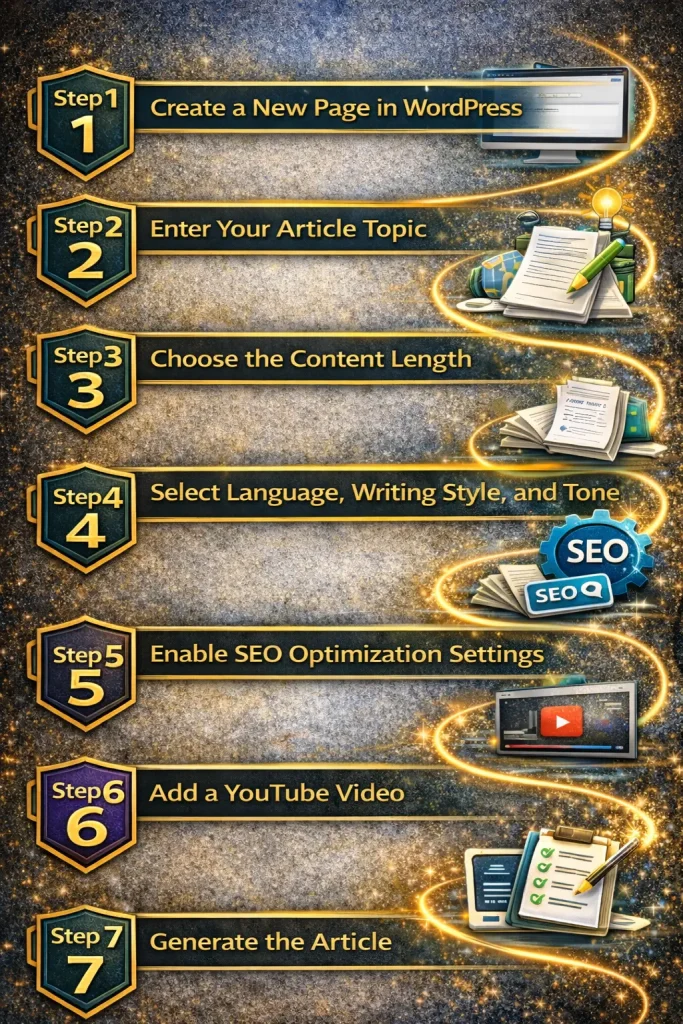
Step 1: Create a New Page in WordPress
Start by logging into your WordPress dashboard.

Then follow these steps:
- Click Pages
- Click Add New Page
Once inside the editor, scroll down to the content generation settings provided by the plugin.
You’ll see several options including:
• Title
• Description
• Content length
• Language
• Writing style
• Writing tone
• SEO optimization
• Generate FAQs
• Generate conclusion
• Add YouTube video
These settings control how the AI generates the page.
Step 2: Enter Your Article Topic
Next, enter the title or topic of the page you want to create.
Example:
“10 Ways ChatGPT Can Help My Online Business”
You can also add more information in the description field.
The more detailed your instructions are, the better the generated article will be.
For example, you might include instructions like:
• include examples
• explain beginner strategies
• add step-by-step advice
This helps the AI create richer content.
Step 3: Choose the Content Length
Next, choose how long you want the article to be.
Most SEO articles perform best when they are detailed.
Typical ranges include:
• 1,500 words for shorter posts
• 2,000–3,000 words for deeper SEO content
In the demo example, the article was set to:
2,000 words
This provides enough depth while still remaining easy to read.
Step 4: Select Language, Writing Style, and Tone
The plugin also allows you to customize how the article is written.
Example settings used in the demo:
Language: English
Writing Style: Professional
Tone: Educational
These settings work well for:
• tutorials
• SEO guides
• WordPress content
• informational blog posts
Since the plugin supports multiple languages and writing styles, you can adapt this for nearly any niche.
Step 5: Enable SEO Optimization Settings
One of the most important options is SEO Optimize.
This feature helps structure the article so it performs better in search engines like:
• Google
• Bing
• Yahoo
The system continuously updates these prompts to align with modern SEO practices.
For WordPress pages, you usually turn Generate Tags OFF, since tags are more commonly used for blog posts.
However, you should keep these enabled:
✔ Generate FAQs
✔ Generate Conclusion
FAQs help answer reader questions and can improve search visibility.
Conclusions help summarize the page and reinforce the topic.
Step 6: Add a YouTube Video
Adding video content can significantly improve SEO performance.
Videos increase:
• time on page
• user engagement
• content depth
Search engines often reward pages where visitors spend more time consuming content.
The plugin can automatically search for relevant YouTube videos and allow you to select one to embed in the article.
The selected video will appear at the top of your page.
Step 7: Generate the Article
Once everything is configured, simply click:
Generate Text
The plugin will automatically:
• create the article title
• generate the full article
• structure the content
• add FAQs and conclusions
• find related YouTube videos
The entire process usually takes 30–60 seconds.
This is dramatically faster than writing a full article manually.
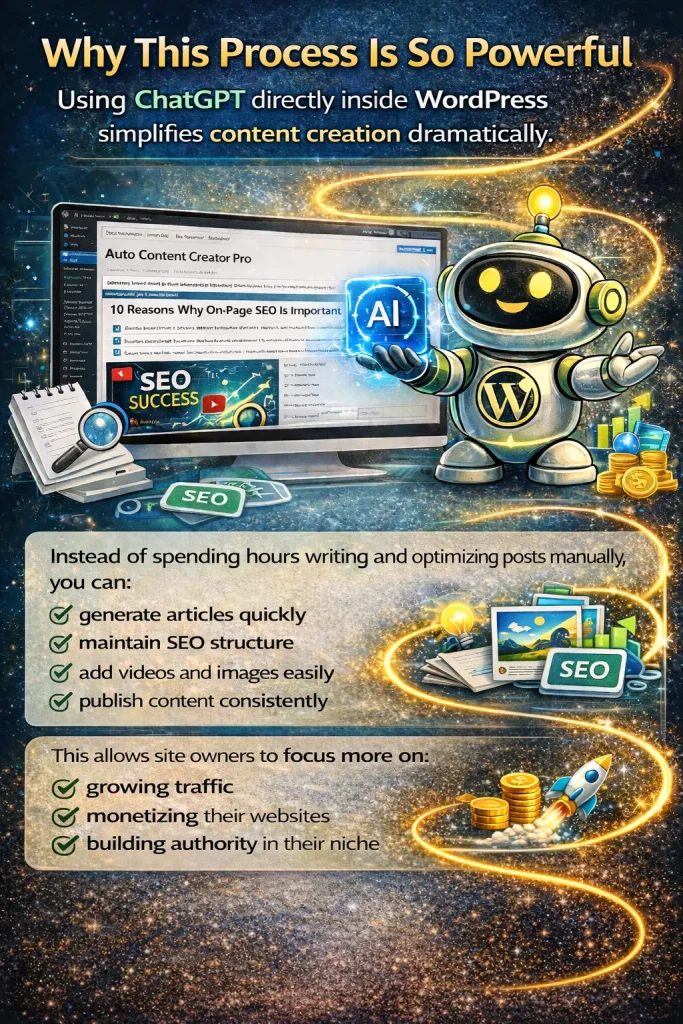
Why This Process Is So Powerful
Using ChatGPT directly inside WordPress simplifies content creation dramatically.
Instead of spending hours writing and optimizing posts manually, you can:
• generate articles quickly
• maintain SEO structure
• add videos and images easily
• publish content consistently
This allows site owners to focus more on:
• growing traffic
• monetizing their websites
• building authority in their niche
Frequently Asked Questions
Can ChatGPT write SEO-optimized blog posts?
Yes. When used with the right prompts and SEO settings, ChatGPT can generate structured content optimized for search engines.
However, reviewing and editing the content before publishing is always recommended.
How long should an SEO blog post be?
Most SEO blog posts perform best between 1,500 and 3,000 words, depending on the topic and competition level.
Longer articles often rank better because they provide more comprehensive information.
Does adding videos help SEO?
Yes. Videos can increase time on page and engagement, which are positive signals for search engines.
Embedding relevant YouTube videos also adds additional value for readers.
Is automated blogging safe for SEO?
Automation can be helpful when used responsibly.
You should always:
• review generated content
• ensure accuracy
• add your own insights when possible
Quality should always come before quantity.
What’s the Difference Between the Free Version and the Elite Version of My Content Creator Pro?
The free version of My Content Creator Pro allows WordPress users to access and publish content from a large built-in article database. It’s designed to help website owners quickly add niche content to their sites without having to write everything from scratch.
With the free version, you can:
• Access a large library of niche articles
• Import articles directly into WordPress
• Quickly publish content to your website
• Build out content on new sites faster
The Elite version includes everything in the free version, but it also unlocks powerful AI and automation features designed to scale content creation much faster.
In addition to all the free features, the Elite version includes:
• 1,000,000+ done-for-you niche articles inside the database
• ChatGPT AI article generator for creating brand new content
• SEO-optimized blog post generation
• Automated publishing schedules
• AI keyword research tools
• Automatic YouTube video integration
• FAQ and conclusion generation
• Advanced WordPress autoblogging tools
In simple terms:
• Access to niche articles
• Import content to WordPress
• Basic content publishing tools
• Everything included in the free version
• 1,000,000+ done-for-you niche articles
• ChatGPT AI content generation
• SEO-optimized article creation
• Automated content publishing
• Advanced blogging automation tools
The free version is great for getting started, while the Elite version is built for users who want to scale their websites faster with AI-powered content creation and a massive article database.
Final Thoughts
AI tools like ChatGPT are changing how websites create content.
By combining AI writing with WordPress automation, you can produce high-quality articles much faster while still maintaining strong SEO structure.
For website owners, bloggers, and digital marketers, this can be a powerful way to scale content production without sacrificing quality.