
Key Takeaways
- You can get access to 1 million+ PLR articles for free with the My Content Creator Pro WordPress autoblogging plugin.
- The plugin allows you to search by category or keyword and publish articles to WordPress quickly.
- New PLR articles are added regularly, often in the hundreds or thousands per day.
- If your topic is not available, you can request it and have 100 new PLR articles created for your niche.
- The plugin is designed to help WordPress users publish content faster and grow traffic more consistently.
What Is My Content Creator Pro (Free Version)?
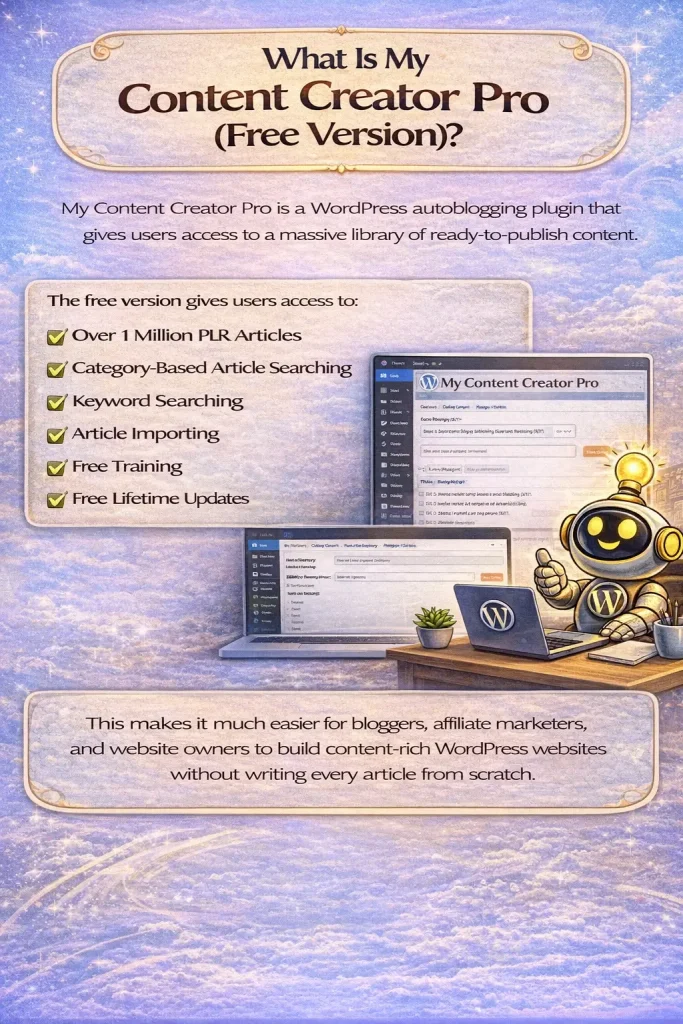
My Content Creator Pro is a WordPress autoblogging plugin that gives users access to a massive library of ready-to-publish content.
The free version gives users access to:
- over 1 million PLR articles
- category-based article searching
- keyword searching
- article importing
- free training
- free lifetime updates
This makes it much easier for bloggers, affiliate marketers, and website owners to build content-rich WordPress websites without writing every article from scratch.
How to Access 1 Million PLR Articles for Free
Once you install My Content Creator Pro Free Version, you can access the article database directly inside your WordPress dashboard.
To get started, go to:
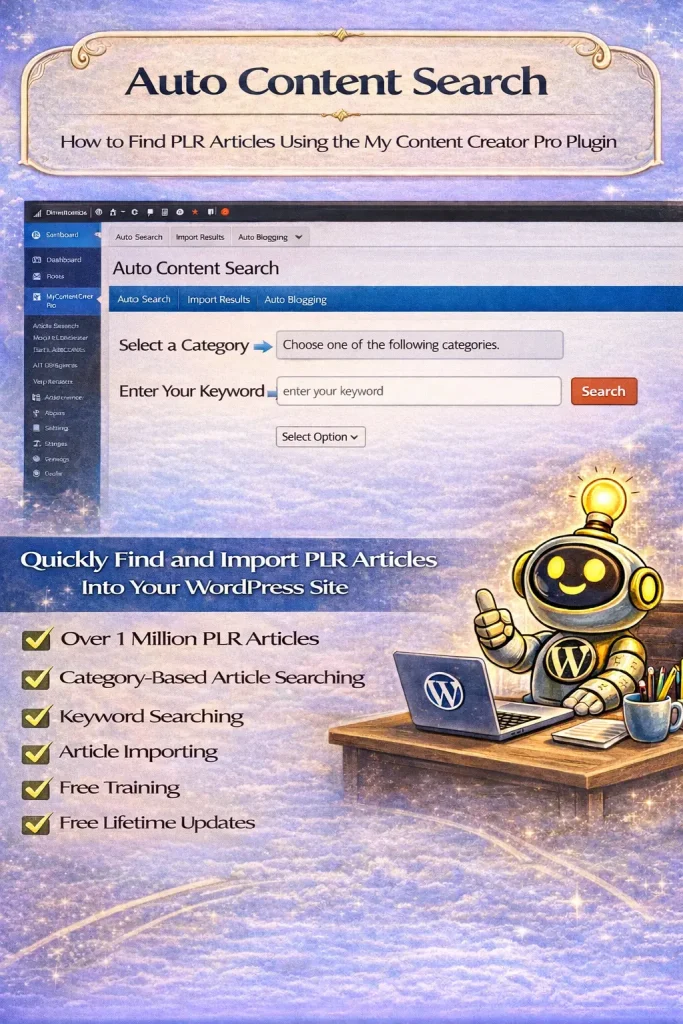
My Content Creator Pro → Auto Content Creation
This area allows you to browse and search articles based on your niche.
You can find content in two ways:
- by selecting a category
- by typing in a keyword
For example, if your niche is blogging, you can either:
- click the Blogging category
- or search for the keyword blogging
The system will then show matching PLR articles that you can save and import into WordPress.
Search by Category or Keyword
One of the best parts of the plugin is that it gives you flexibility.
If you want to browse, you can choose from hundreds of categories.
If you want to find something specific, you can type in a keyword.
For example, searching for blogging may show:
- hundreds of article titles
- dozens of result pages
- many related keyword variations
This makes it easy to find content that matches your topic.
How to Save and Import Articles
Once you find article titles you want, simply select them and click:
Save Results
The plugin stores those article selections for you.
From there, you can import them into WordPress and use them in your content publishing workflow.
This helps you quickly build out your site with ready-made articles.
What If You Don’t See Your Topic?
If you do not find your niche topic in the system, you can request it.
According to the video, users can post their topic request in the comments or contact support, and the system can generate:
100 new PLR articles in your requested niche
This is a powerful feature because it means the content library is always growing and can expand into more topics over time.
How New PLR Articles Are Added
The video also explains that new content is constantly being added to the system.
In some cases, the system adds:
- 100 articles
- 1,000 articles
- tens of thousands of articles over time
The goal is to keep the library fresh and continue expanding the number of available topics for WordPress users.
This gives website owners access to an ever-growing content base.
Are the Articles SEO-Optimized?
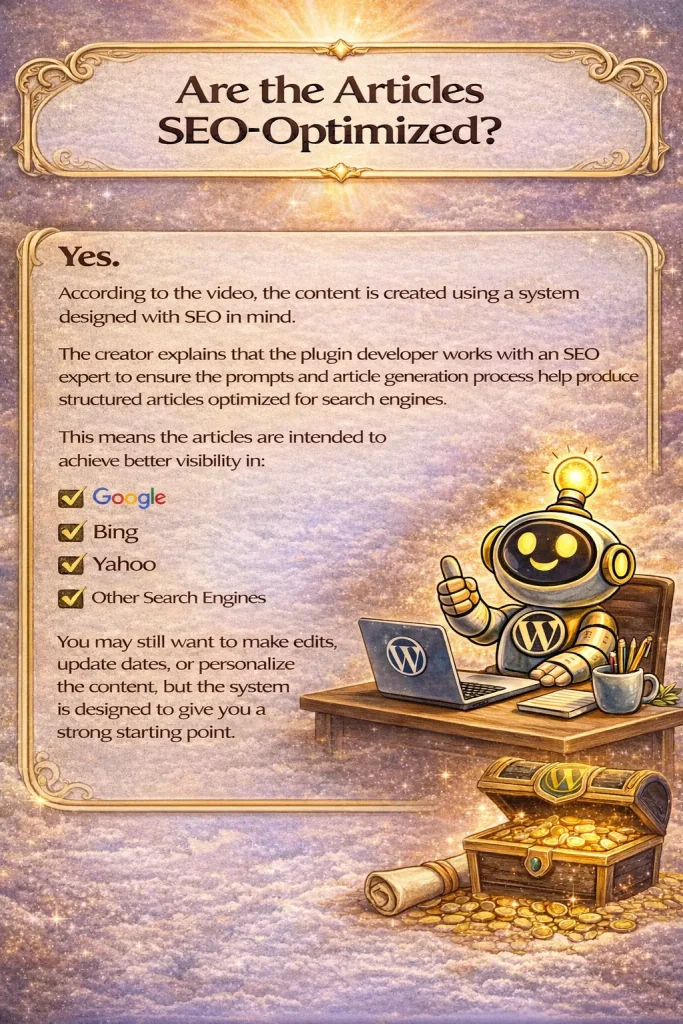
Yes. According to the video, the content is created using a system designed with SEO in mind.
The creator explains that the plugin developer works with an SEO expert to make sure the prompts and article generation process help produce articles structured for search engines.
This means the articles are intended to support better visibility in:
- Bing
- Yahoo
- other search engines
You may still want to make edits, update dates, or personalize the content, but the system is designed to give you a strong starting point.
Why This Is Useful for WordPress Website Owners
Creating content consistently is one of the hardest parts of growing a website.
This plugin helps solve that problem by giving users immediate access to a huge content library.
That means you can:
- publish more often
- fill your site with niche content faster
- spend less time writing
- focus more on traffic and growth
It is especially useful for:
- bloggers
- affiliate marketers
- niche site builders
- small business website owners
- content marketers
What You Get When You Sign Up
According to the video, signing up for the free version gives you access to:
- the free plugin
- free training
- free lifetime updates
- over 1 million PLR articles
This makes the free version a strong starting point for people who want to begin using WordPress autoblogging tools without paying upfront.
Can You Really Publish Articles in Seconds?
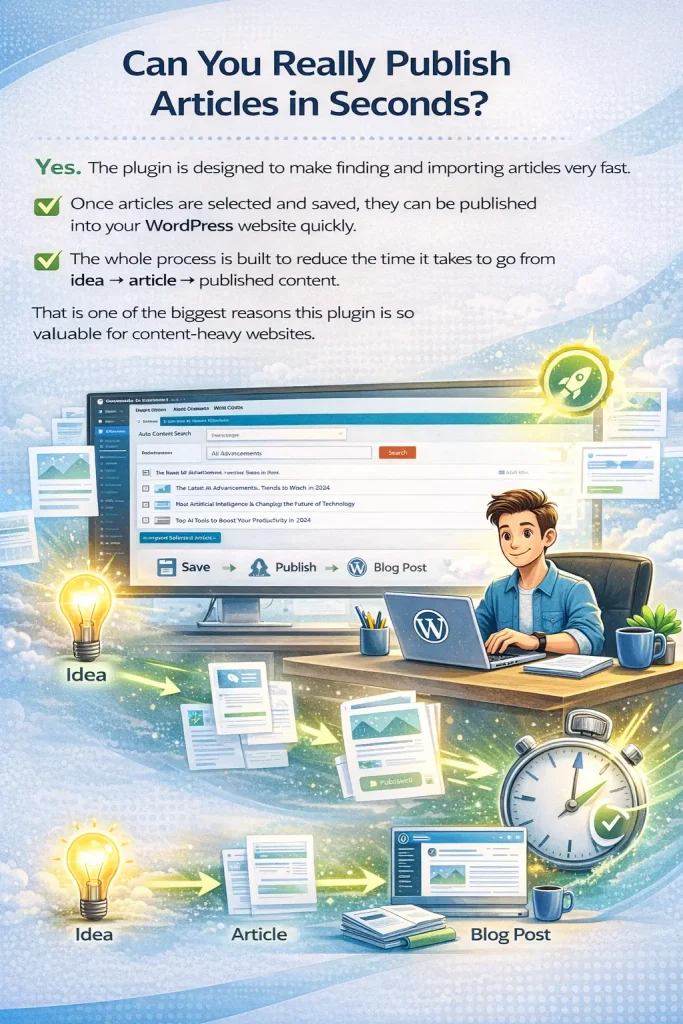
Yes. The plugin is designed to make finding and importing articles very fast.
Once articles are selected and saved, they can be published into your WordPress website quickly.
The whole process is built to reduce the time it takes to go from idea → article → published content.
That is one of the biggest reasons this plugin is so valuable for content-heavy websites.
Frequently Asked Questions
How do I access the 1 million PLR articles?
After installing the free version of My Content Creator Pro, go to Auto Content Creation inside your WordPress dashboard. From there, you can browse categories or search by keyword to find articles.
Are the 1 million PLR articles really free?
Yes. According to the video, the plugin gives users free access to over 1 million PLR articles through the free version of My Content Creator Pro.
Can I search for articles by niche?
Yes. You can search by category or by keyword, which makes it easy to find niche-specific content for your website.
What if my topic is not in the system?
If your topic is missing, you can request it. The creator states that the system can generate 100 new PLR articles for your niche topic.
Are the articles SEO-optimized?
Yes. The video explains that the articles are created using prompts and systems designed to produce SEO-optimized content for search engines.
How often are new articles added?
New articles are added regularly. The creator mentions that articles are often added daily and that large batches of content may be added over time.
Can I use these PLR articles however I want?
According to the video, the articles come with PLR rights, which means users can work with the content and use it on their websites.
Is this better than paying monthly for PLR content?
For many users, yes. The video points out that most similar content services would likely charge monthly or yearly fees, while this system offers free access through the plugin.
What is the difference between the Free version and the Elite version?
The Free version gives users access to the 1,000,000+ article library, along with core content tools, training, and updates.
The Elite version includes everything in the free version plus additional AI-powered automation features.
These advanced features can include tools such as:
- AI article generation
- keyword research
- bulk content tools
- auto blogging
- advanced WordPress content automation
So both versions include access to the massive article database, but the Elite version adds more automation and AI tools for scaling content faster.
Do both versions include the 1,000,000+ article library?
Yes. Both the Free version and the Elite version include access to the 1,000,000+ niche article library.
The difference is that the Elite version includes more advanced features on top of that content access.
Final Thoughts
If you want a simple way to get access to a huge content library for WordPress, My Content Creator Pro offers a powerful solution.
With access to 1 million+ PLR articles for free, you can quickly find topics, import content, and build out your website much faster than writing everything manually.
The ability to request 100 additional niche articles also makes the system more flexible for users in specialized markets.
For bloggers, affiliate marketers, and WordPress site owners who want more content and fewer bottlenecks, this plugin can help make content publishing much easier.