
Key Takeaways
• A WordPress autoblogging plugin allows you to automate content publishing so your blog stays active without manually writing every article.
• Blog automation helps you scale content production, target more keywords, and increase traffic opportunities while saving time.
• With the right plugin, you can import articles in bulk, schedule publishing, and organize content by niche or keyword directly from your WordPress dashboard.
• My Content Creator Pro provides a powerful automation system that allows users to publish large volumes of niche content and schedule posts automatically.
• The free version gives you access to a massive database of ready-made niche articles and tools to automate publishing.
• The Elite version expands the system with ChatGPT-powered AI automation, allowing you to generate unlimited new articles and optimize them for SEO.
• Autoblogging works best when combined with smart niche targeting, internal linking, and clear monetization strategies such as affiliate marketing or display ads.
• When used strategically, automation can help you build authority websites faster, increase organic search visibility, and grow long-term revenue opportunities.
If you’re looking for the best WordPress autoblogging plugin to automate your content, increase traffic, and grow your revenue, you’re in the right place.
This guide will walk you through:
- What a WordPress autoblogging plugin is
- How blog automation works
- The benefits of automated content publishing
- How to install and use an autoblogging plugin
- How to make money with autoblogging
- Why My Content Creator Pro is a powerful solution
Whether you’re building niche sites, affiliate blogs, content networks, or authority websites — automation can dramatically speed up growth.
What Is a WordPress Autoblogging Plugin?
A WordPress autoblogging plugin automatically publishes content to your website based on selected topics, keywords, or categories.
Instead of manually writing every article, an autoblogging plugin allows you to:
- Import content in bulk
- Schedule automated publishing
- Target specific niches
- Scale content production
- Keep your website active consistently
This saves time and allows you to focus on monetization, SEO, and traffic growth.
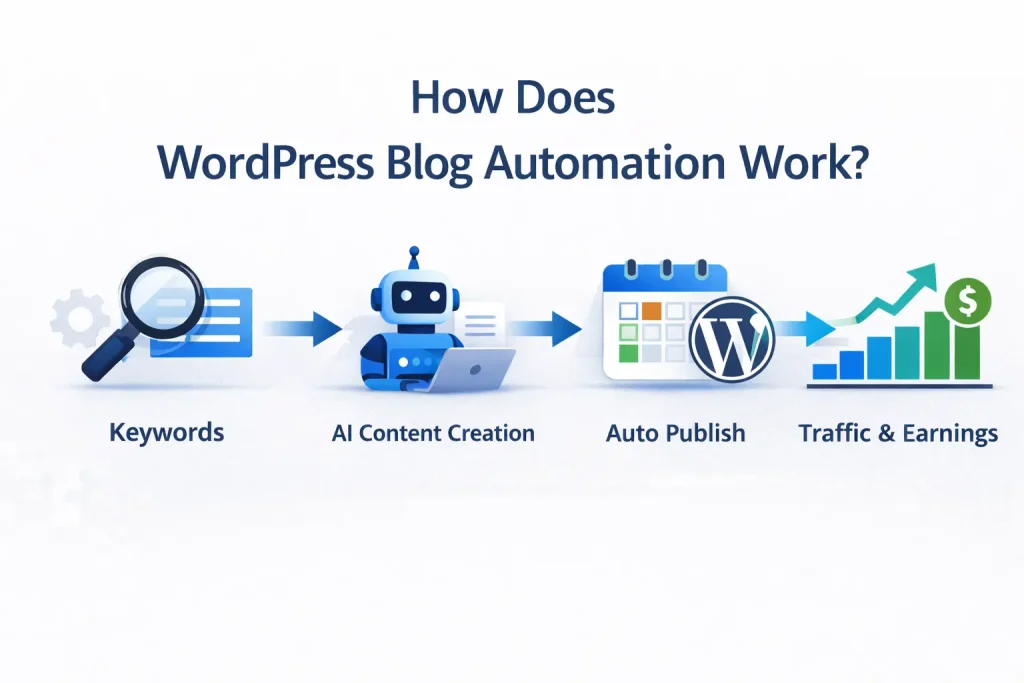
How Does WordPress Blog Automation Work?
Autoblogging works by integrating directly with your WordPress dashboard.
Once installed, the plugin allows you to:
- Choose a niche or topic category
- Select how many articles you want added
- Schedule publishing frequency
- Automatically populate your blog
Instead of hiring writers or spending months creating content, you can instantly build out hundreds or thousands of articles.
Automation is not about replacing strategy — it’s about accelerating it.
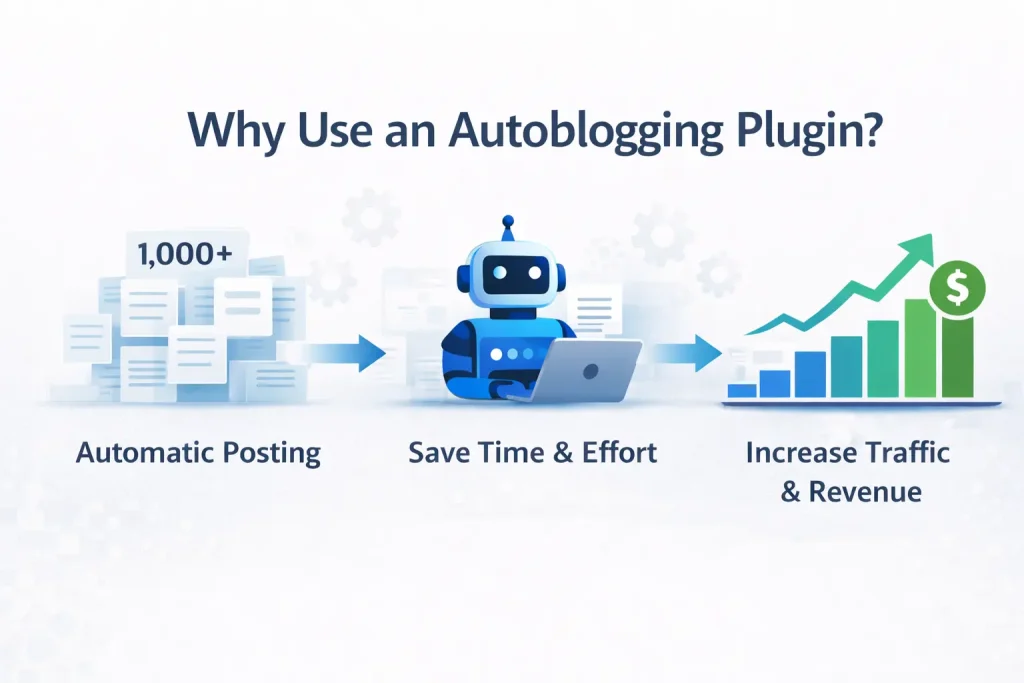
Why Use an Autoblogging Plugin?
1. Save Time
Content creation is the most time-consuming part of blogging. Automation reduces manual workload.
2. Scale Faster
You can build niche authority quickly by adding large volumes of related content.
3. Increase SEO Opportunities
More relevant content means more keywords indexed by Google.
4. Maintain Publishing Consistency
Google favors active websites. Scheduled automation keeps your blog fresh.
5. Monetization Potential
More content means more entry points for:
- Affiliate links
- Ad revenue
- Email capture
- Product sales
Best WordPress Autoblogging Plugin
When choosing an autoblogging plugin, you should look for:
- Ease of use
- Niche flexibility
- Content quality
- Publishing controls
- Scalability
My Content Creator Pro
My Content Creator Pro is designed specifically for WordPress users who want to:
- Add large volumes of niche articles
- Automate publishing
- Target specific categories
- Maintain control over scheduling
With both a free version and an Elite upgrade, it allows beginners and advanced users to scale efficiently.
👉 Upgrade to the Elite Version Here

AI-Powered Automation (Elite Version)
While the free version of My Content Creator Pro allows you to automate bulk article publishing, the Elite version transforms your site into a fully AI-powered WordPress autoblogging system built for serious growth.
With the Elite upgrade, you unlock advanced ChatGPT-driven automation features designed to scale traffic, improve SEO, and increase monetization potential:
- Unlimited SEO-Optimized Content – 100% on Autopilot
- AI-Written Blog Posts That Sound Human – No writing skills needed
- AI Bulk Article Generation – Create dozens of posts in minutes
- Built-In AI SEO Optimization – Structured for stronger rankings
- Just Enter a Topic – AI Writes & Publishes Instantly
- 24/7 Automated Publishing – Your WordPress blog runs continuously
- Auto-Add Relevant YouTube Videos to Posts with AI
- Works with ChatGPT 3.5, 4, and 4o – Powered by the latest AI models
- 1-Click Meta Title, Description & Keyword Tag Setup
- Automatic SEO Interlinking Between Blog Posts
- Built-In AI Keyword Research Tool – Discover profitable opportunities fast
Instead of simply adding content, the Elite version creates a smarter automation system that helps you publish consistently, improve on-page SEO, strengthen internal linking, and target high-value keywords — all from inside your WordPress dashboard.
If you want a true AI-powered WordPress autoblogging plugin that scales content, improves rankings, and supports real revenue growth, the Elite version delivers advanced automation without complexity.
👉 Explore the Elite Version and Unlock Full AI Automation
How to Install a WordPress Autoblogging Plugin
Step 1: Log into your WordPress dashboard
Step 2: Navigate to Plugins → Add New
Step 3: Upload or search for the plugin
Step 4: Click Install and Activate
Step 5: Configure your automation settings
After installation, you can begin building out your content library immediately.

How to Make Money with Autoblogging
Autoblogging is most effective when paired with a monetization strategy.
Common models include:
- Affiliate marketing
- Display advertising
- Lead generation
- Digital product sales
- Authority site flipping
The key is targeting niches with buyer intent and adding internal links to your money pages.
Automation builds the foundation. Monetization builds the revenue.
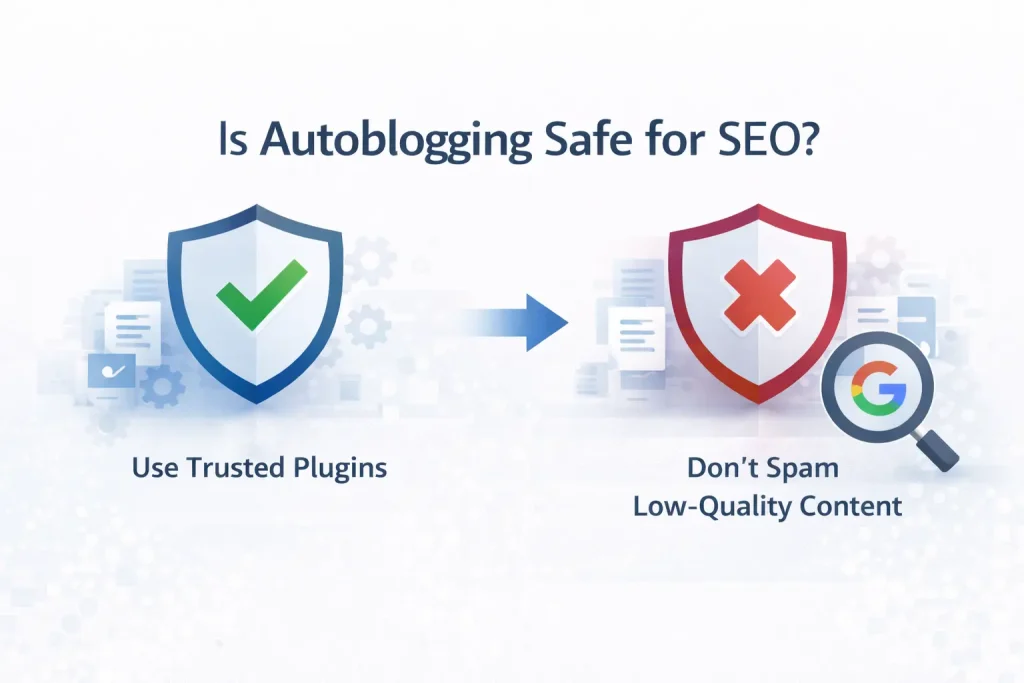
Is Autoblogging Safe for SEO?
When done correctly, autoblogging can support SEO growth.
Best practices include:
- Choosing focused niches
- Avoiding unrelated content topics
- Internally linking strategically
- Adding custom content layers over time
- Monitoring rankings and engagement
Autoblogging should enhance your site — not replace thoughtful optimization.
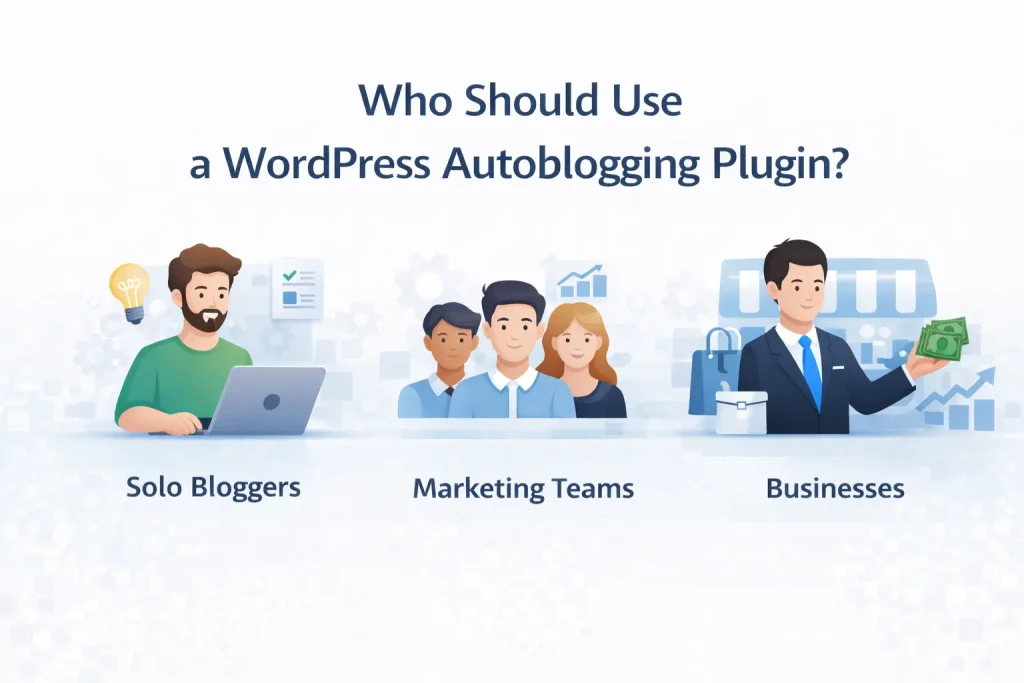
Who Should Use a WordPress Autoblogging Plugin?
Autoblogging works well for:
- Niche site builders
- Affiliate marketers
- Digital entrepreneurs
- Agency owners
- Content marketers
If your goal is traffic growth, automation can dramatically speed up the process.
- How to Add 1,000,000+ Articles to WordPress (Free Autoblogging Plugin Demo)
https://www.mycontentcreatorpro.com/autoblogging-plugin/add-1-million-articles-to-wordpress - Free WordPress Article Database (1,000,000+ Articles Included)
https://www.mycontentcreatorpro.com/autoblogging-plugin/free-wordpress-article-database-1-million-articles - How to Get Unlimited Blog Content in WordPress (Free Autoblogging Plugin)
https://www.mycontentcreatorpro.com/autoblogging-plugin/unlimited-blog-content-wordpress-autoblogging-plugin - How To Build a 100+ Article WordPress Niche Site in 24 Hours (Free Plugin Demo)
https://www.mycontentcreatorpro.com/autoblogging-plugin/build-100-article-wordpress-niche-site-24-hours - How to Turn Your WordPress Blog Into a Self-Updating Traffic Machine
https://www.mycontentcreatorpro.com/autoblogging-plugin/wordpress-blog-traffic-machine - Best WordPress Autoblogging Plugin (1 Million Articles Included)
https://www.mycontentcreatorpro.com/autoblogging-plugin/best-wordpress-autoblogging-plugin - This $197 WordPress Autoblogging Plugin Is FREE (Here’s Why)
https://www.mycontentcreatorpro.com/autoblogging-plugin/wordpress-autoblogging-plugin-free
Frequently Asked Questions
What is the best WordPress autoblogging plugin?
The best plugin depends on your goals. Look for automation control, content flexibility, and scalability. My Content Creator Pro offers both free and premium (Elite) options for different needs.
Is autoblogging legal?
Yes. Automation tools are legal when used responsibly and within platform guidelines.
Can autoblogging help with SEO?
Yes, when used with proper niche targeting, internal linking, and optimization strategies.
Does autoblogging replace original content?
No. It accelerates content production but should be paired with strategic oversight.
How many articles should I add to my site?
This depends on your niche, competition, and monetization model. Many successful sites scale into hundreds or thousands of articles over time.
Start Automating Your WordPress Blog Today
If you want to grow traffic faster, build niche authority, and create more monetization opportunities, automation can be a powerful strategy.
👉 Download the Free Version of My Content Creator Pro
👉 Upgrade to the Elite Version for Advanced Features
Build smarter. Scale faster. Automate strategically.
WordPress Autoblogging Tutorials & Demo Links
Browse these free tutorials, demos, and plugin pages for My Content Creator Pro.
- This $197 WordPress Autoblogging Plugin Is FREE (Here’s Why)
- Best WordPress Autoblogging Plugin (1 Million Articles Included)
- How to Turn Your WordPress Blog Into a Self-Updating Traffic Machine
- How To Build a 100+ Article WordPress Niche Site in 24 Hours (Free Plugin Demo)
- How to Get Unlimited Blog Content in WordPress (Free Autoblogging Plugin)
- Free WordPress Article Database (1,000,000+ Articles Included)
- How to Add 1,000,000+ Articles to WordPress (Free Autoblogging Plugin Demo)
- How To Write SEO Optimized AutoBlogging Blog Posts With ChatGPT In WordPress
- How to Write SEO-Optimized Blog Posts With ChatGPT in WordPress (Step-by-Step Demo)
- How to Write SEO-Optimized Blog Page With ChatGPT in WordPress (Step-by-Step)
- How to Write SEO-Optimized Bulk Blog Posts With ChatGPT in WordPress (Step-by-Step Demo)
- Best ChatGPT Article Rewriter for WordPress Websites (AI SEO Content Tool)
- ChatGPT Keyword Research Tool for WordPress Websites (Complete Tutorial Guide)
- How To Instantly Convert YouTube Videos Into Blog Posts (Fast and Easy in WordPress)
- 1 Million PLR Articles for Free – Publish Articles Instantly With a WordPress Autoblogging Plugin